
lumen See where your money goes, calmly.
Log your spending without linking a bank. Lumen sorts it, shows it by pay cycle and tells you how far your own inflation is from the official figure.
Target launch: 8 December 2026. Getting ready for launch.
lumen in 30 seconds.
Silent trailer · the real screens
what lumen does.
no bank link
No passwords, no account access, no third parties. Only what you enter.
your own inflation
Your basket's price change next to the official rate.
pay cycle
Where you stand since payday, not since the first of the month.
on your home screen.
What you'd open the app for, without opening it.
the details.
- Logged in 3 seconds
- Tap + in the middle, the amount, then a category icon: saved. Date is today; undo within 5 seconds.
- It suggests the budget
- No setup. After 7 days it suggests a monthly budget from your spending; accept it with one tap.
- Today, at most
- What's left after fixed costs and what you can spend today, on the home screen, with a pace marker on the bar.
- Your pay cycle
- Weekly, fortnightly, twice a month or monthly, including the last working day and weekend shifts.
- Instalments and cards
- Instalments are spread across months; card statement and due dates are reminded.
- Gentle nudges
- If a category runs 10% faster than last month, one question the next evening; one alert at 80% of the budget.
- Price rises and subscriptions
- A rise in a fixed cost is compared with official inflation; subscriptions in hours of work, and a savings counter for what you cancel.
- Weekly coach note
- One clear suggestion each week; Premium adds personal inflation, category budgets and unusual price rises.
what's inside.
- Unlimited manual entries, free
- Automatic categories
- Official inflation and pay-cycle defaults by country
- No account, no sign-in; data stays on your phone
- Try it at once with sample data
- 8 languages
what it is not
Lumen does not give investment or financial advice.
AI and your data
For image reading, the image goes through our server in Frankfurt to Google Gemini and is not stored. You are asked for consent before the first read.
from the inside.
The app’s screens, in order. Hover to pause; what each screen does appears underneath.
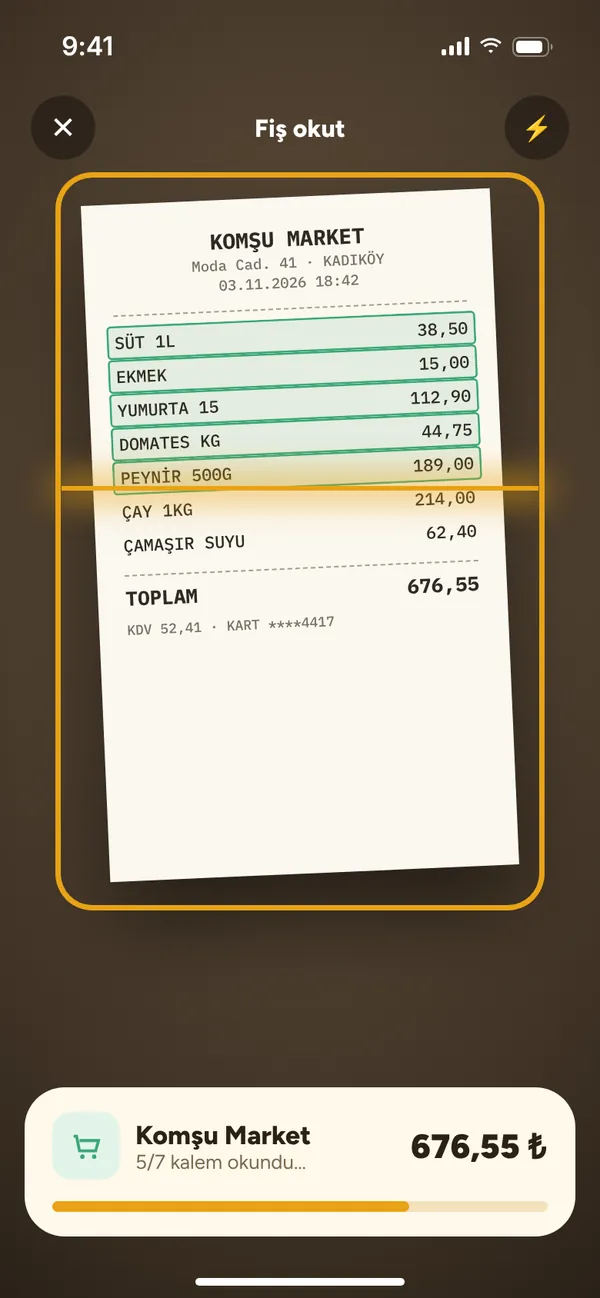
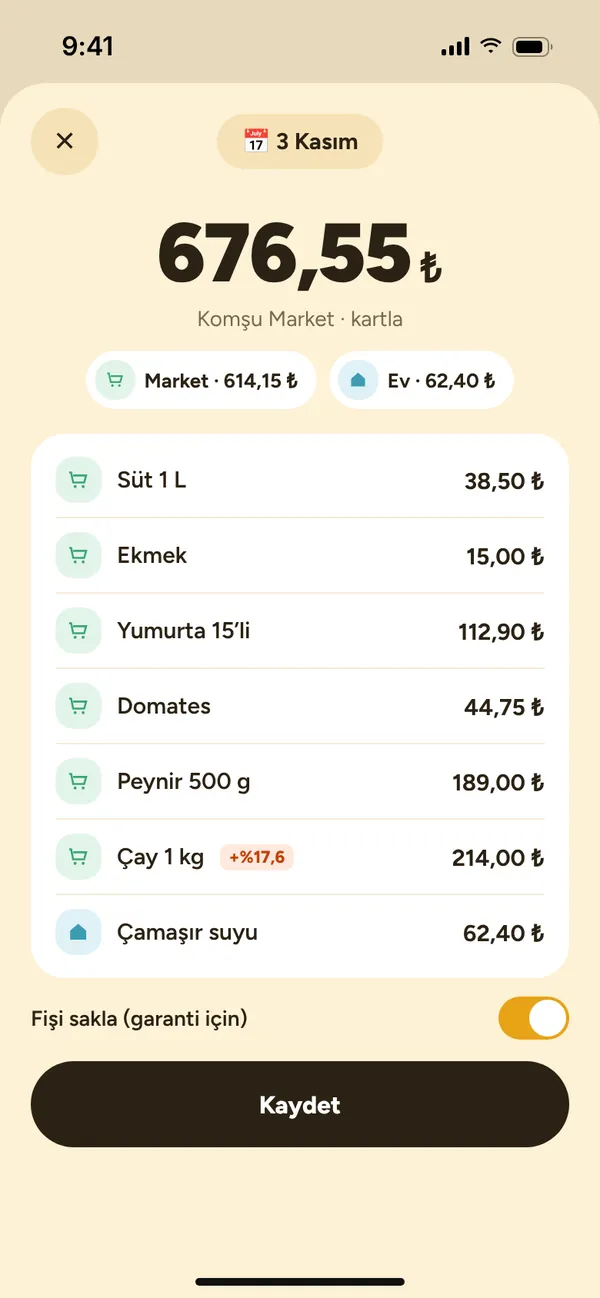
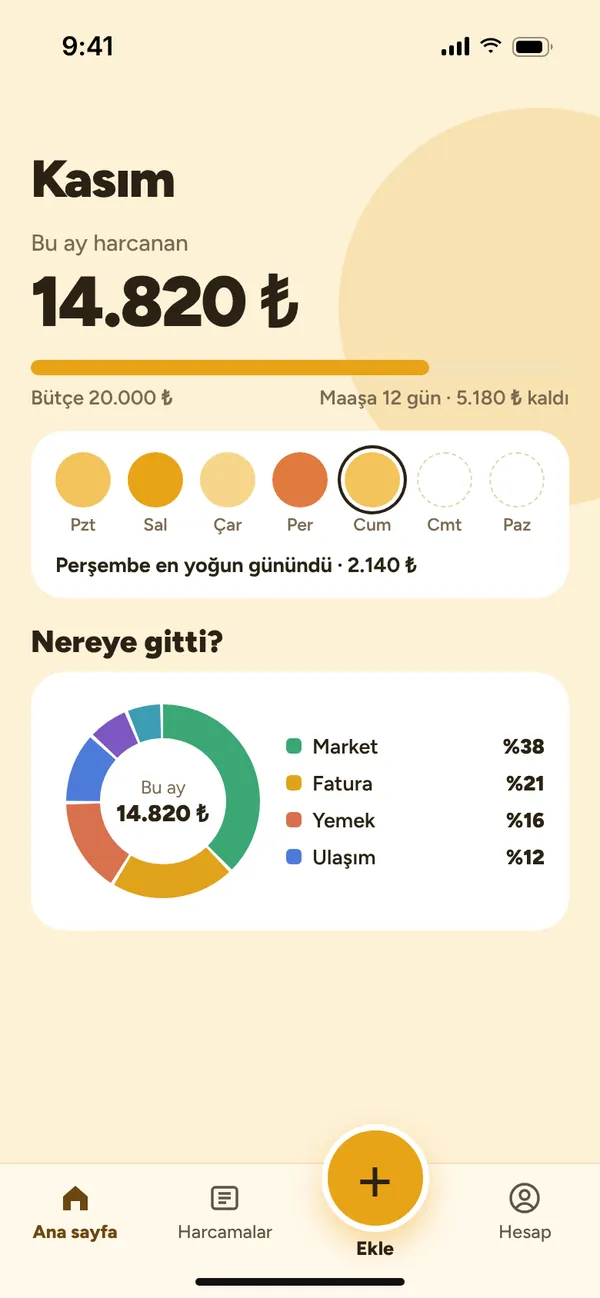
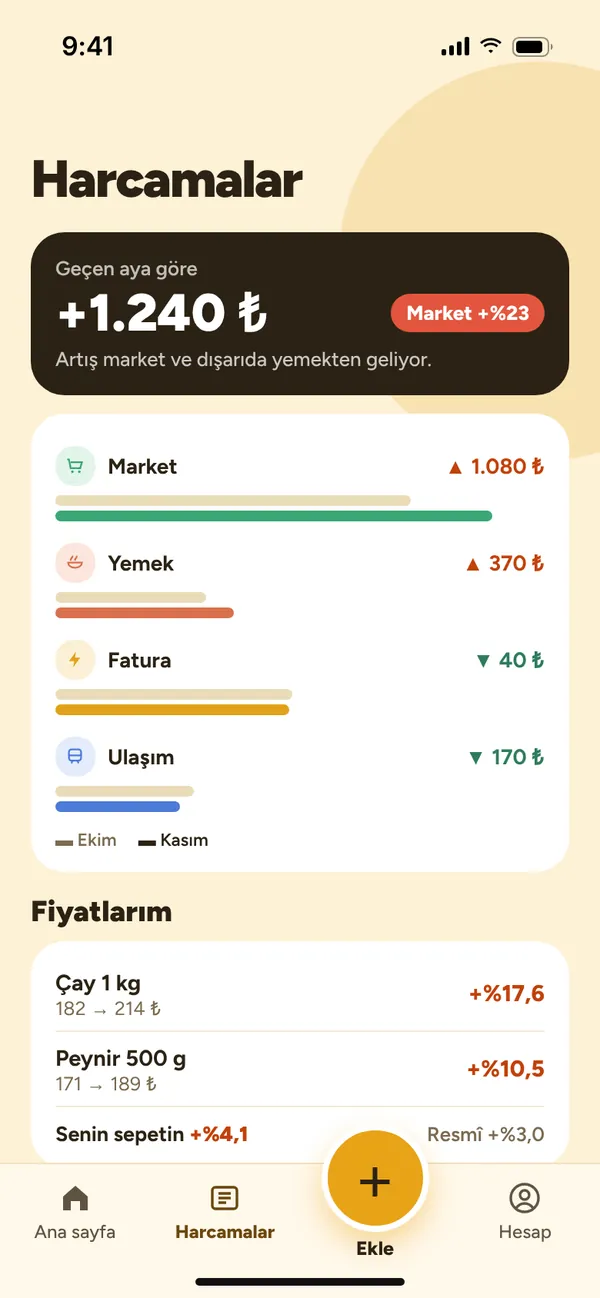
plain and readable.
Privacy policy, terms of use and data deletion; these are the addresses in the store listings too.
the rest of the workshop.
 Proof1 December 2026
 Tilavet15 December 2026
 Pawmira22 December 2026
 ScanCAD15 January 2027
 Duo25 January 2027
 UstApp1 February 2027
 Mooty1 April 2027
Tap an app to open its screens here.
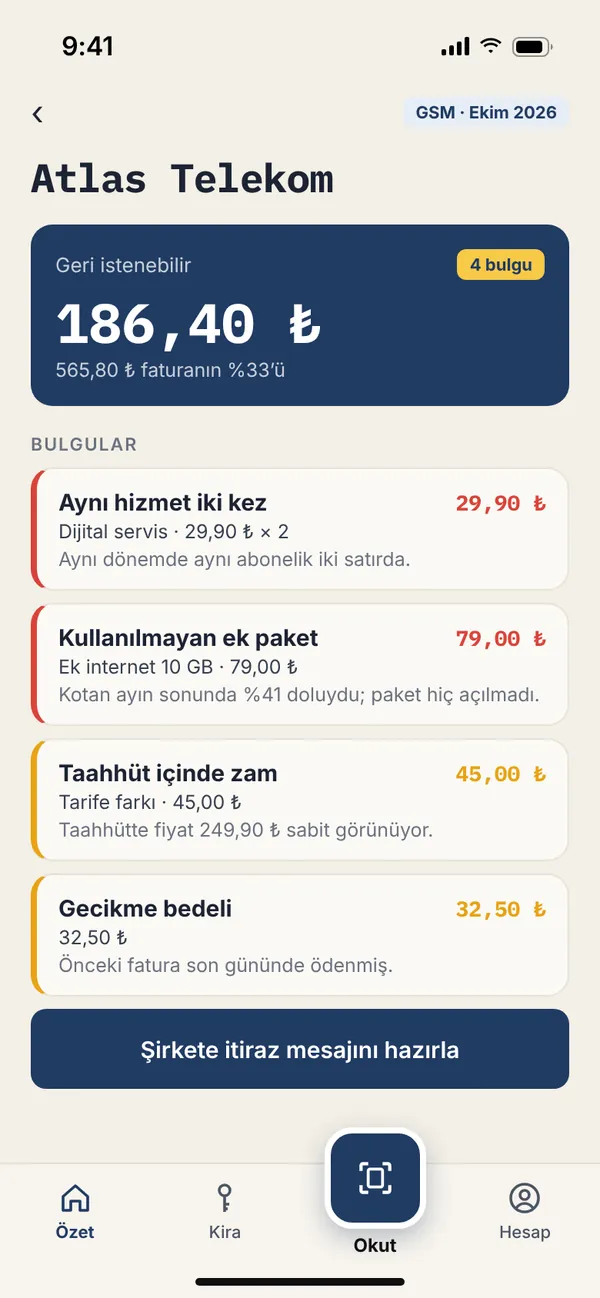
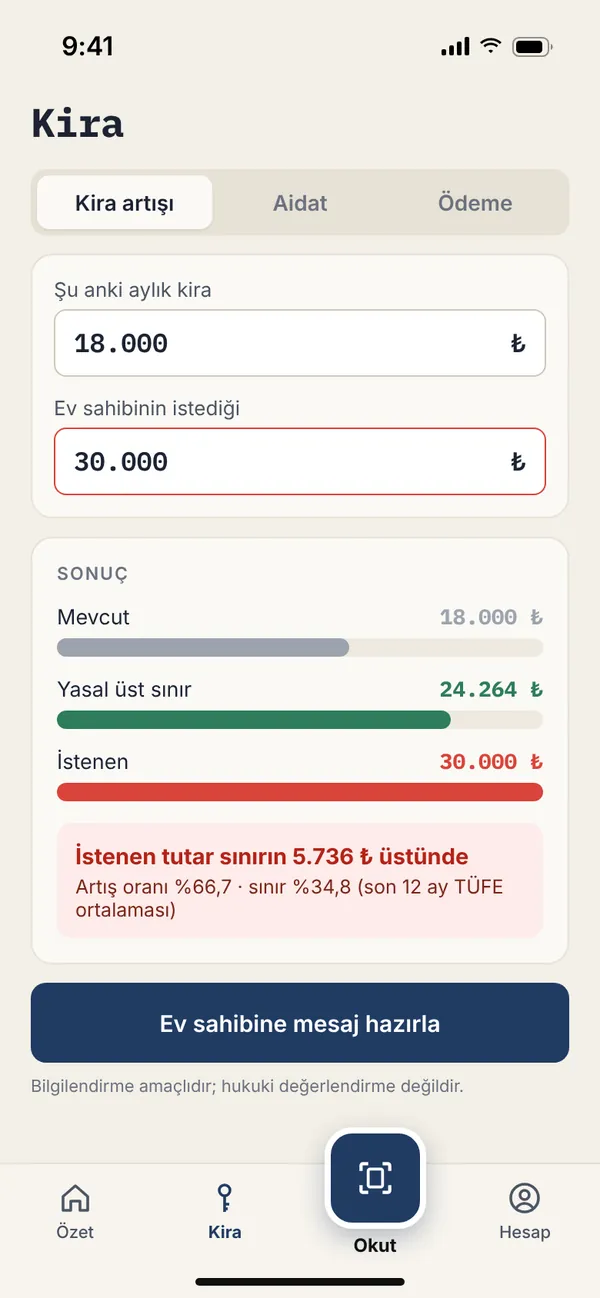
ProofUnderstand your bill. Claim back the extra.
- Scan a bill, understand it in seconds
- Shows the overcharge, helps you claim it
- Is the rent increase above the cap?
- Hidden clauses come to light
Target launch: 1 December 2026
Go to page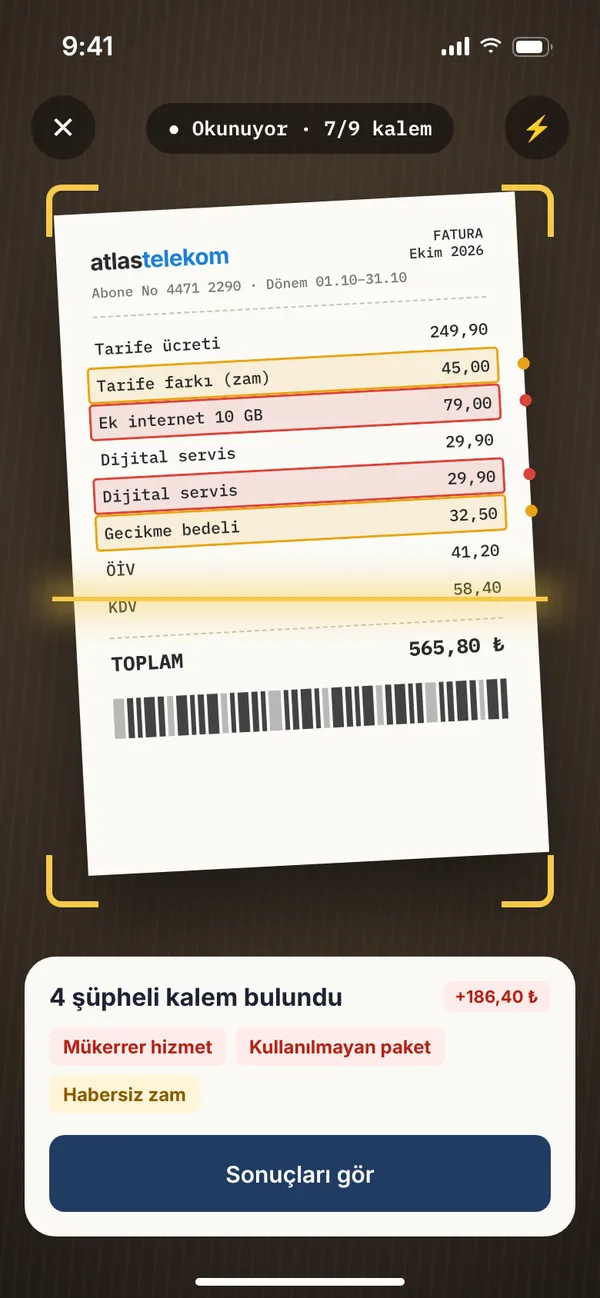
 Tilavet
Ad-free, simple and yours.
- Prayer times for where you are
- Qibla compass
- Suhoor and iftar in Ramadan
- Verse of the day, in your language
Target launch: 15 December 2026
Go to page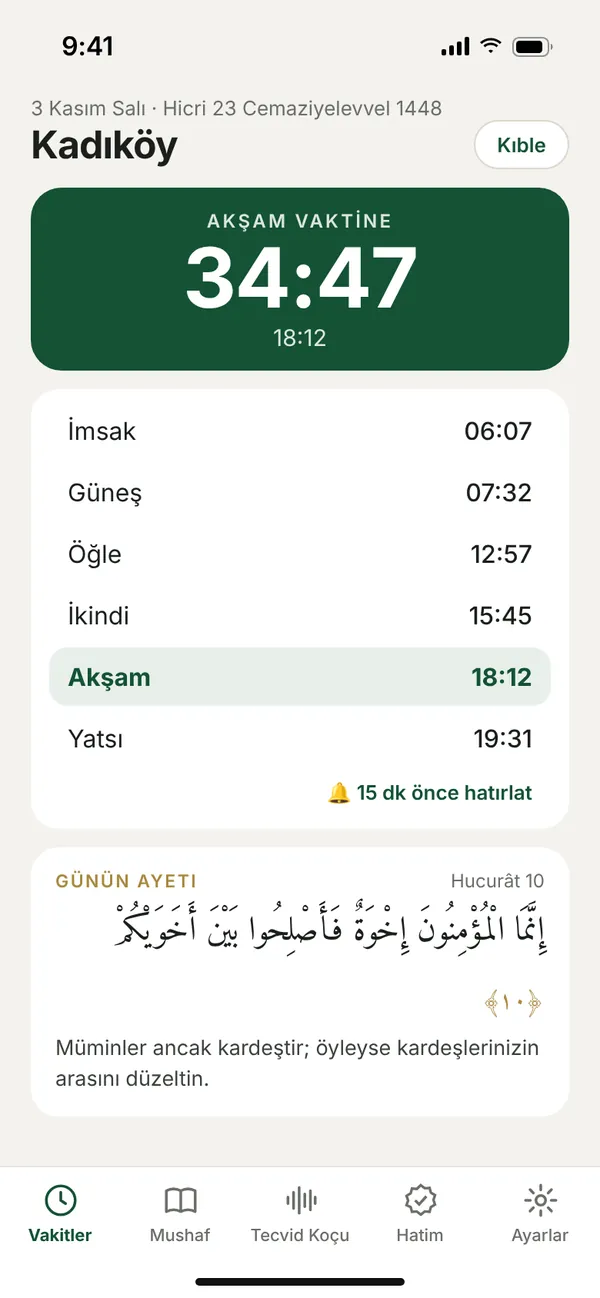
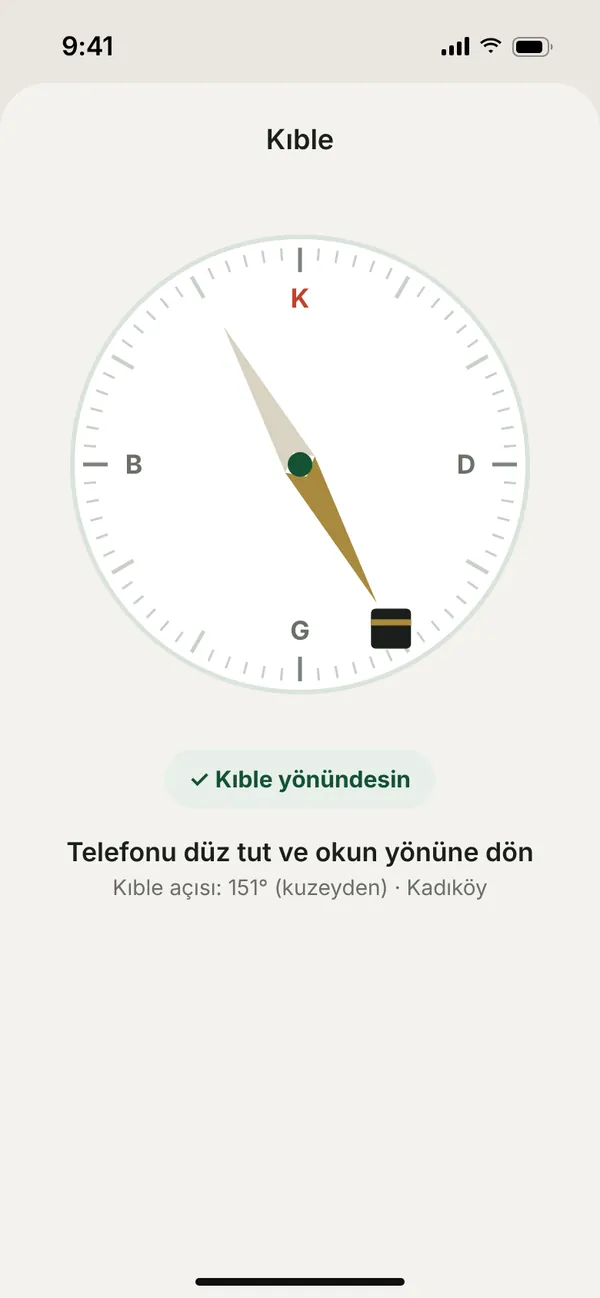 Pawmira
Follow your pet's health, day by day.
- Your pet’s daily log
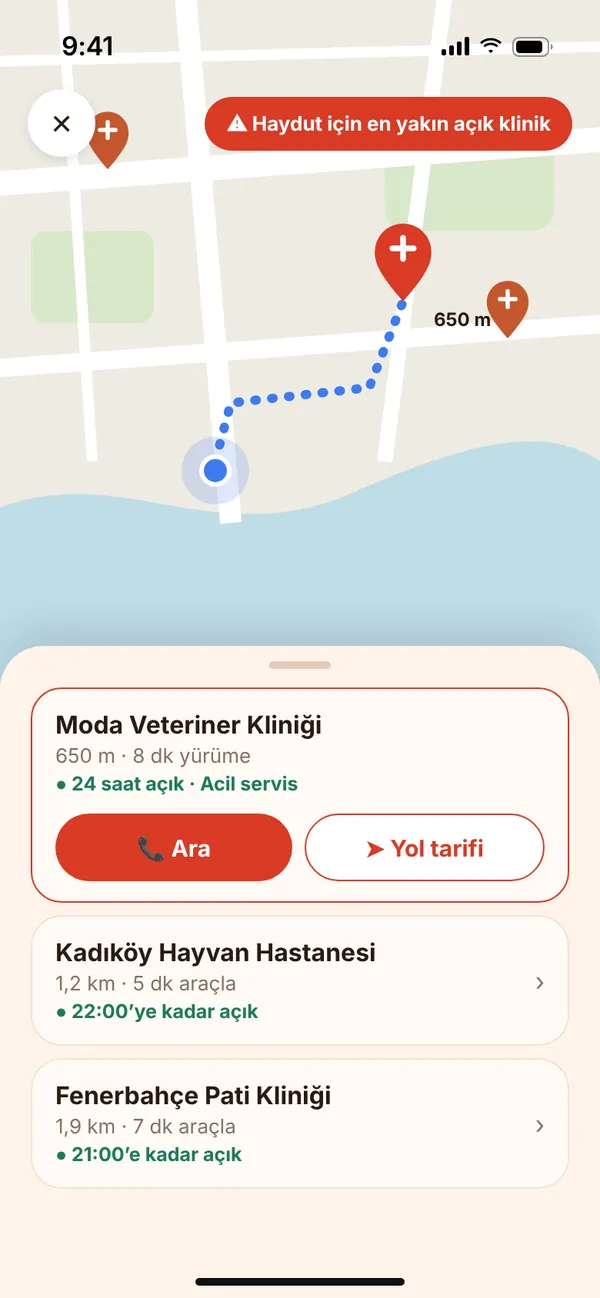
- Nearest open clinic, from your location
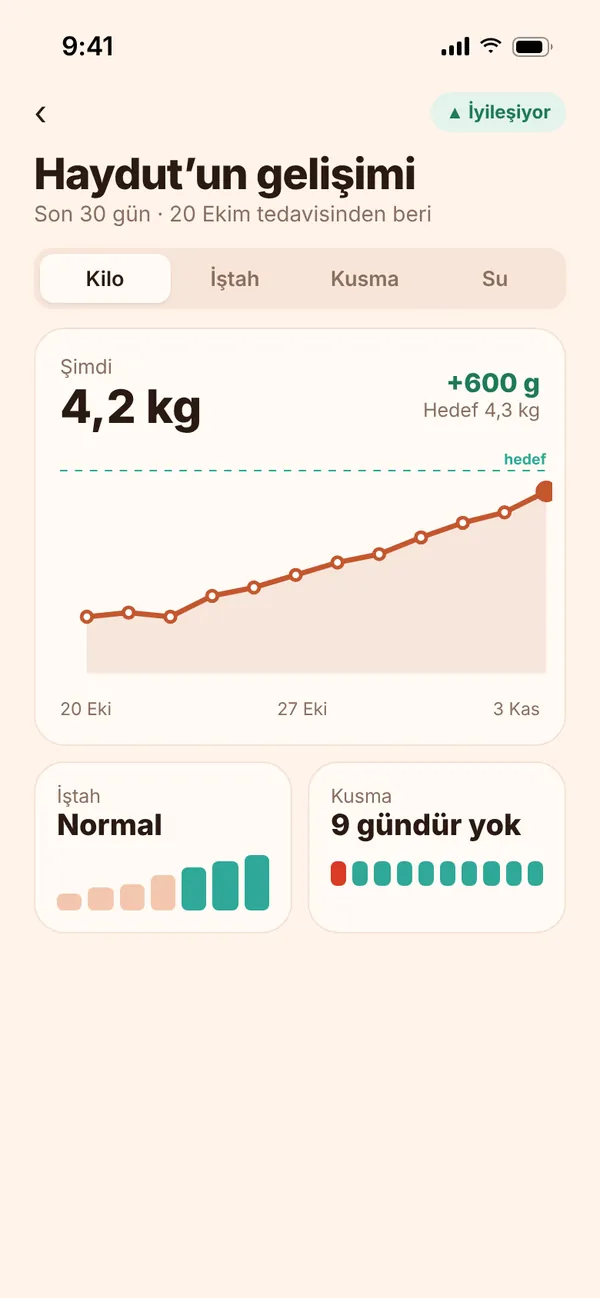
- Progress tracking: weight and appetite
- See healing in photos
Target launch: 22 December 2026
Go to page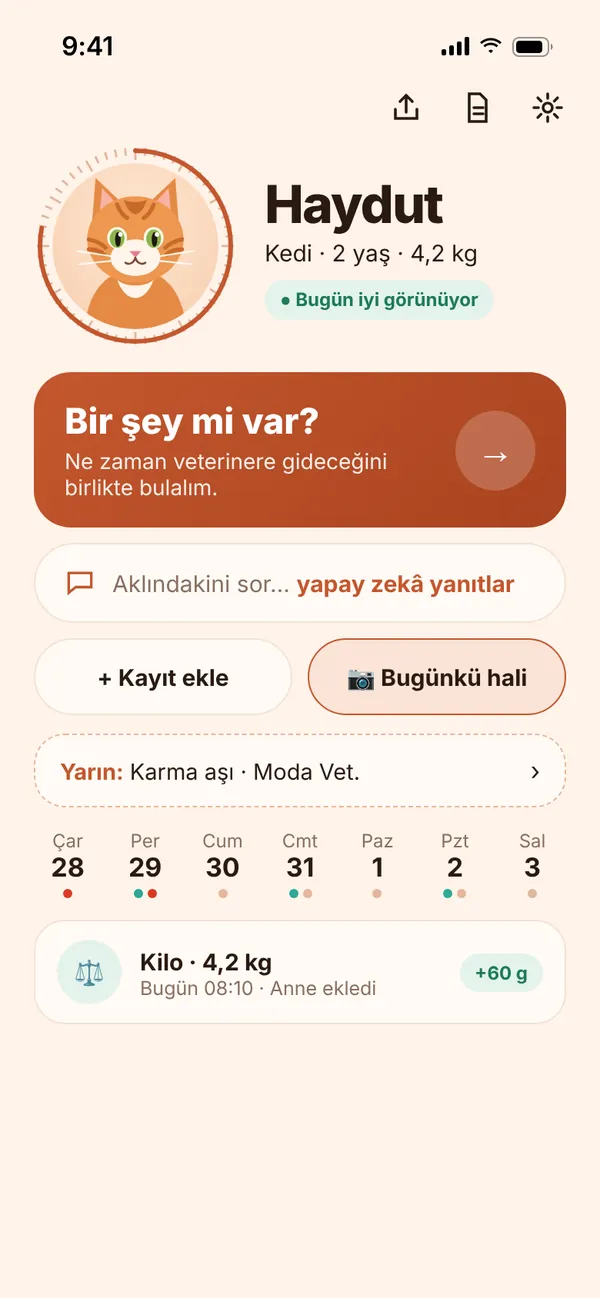
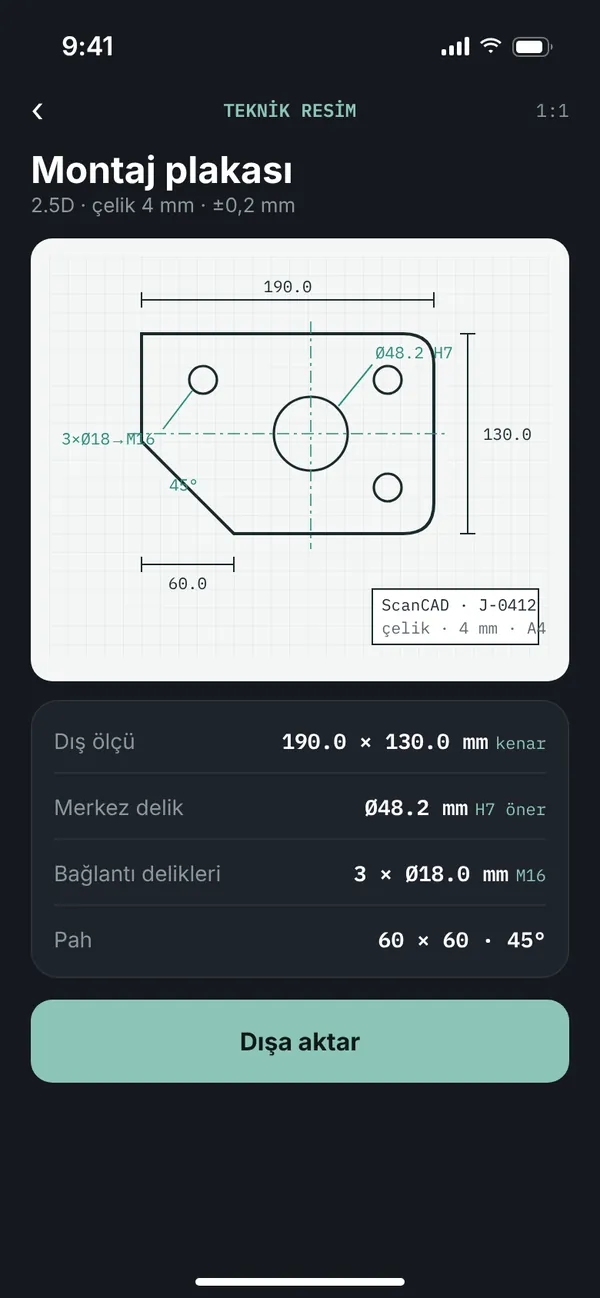
 ScanCAD
Scan the part. Get its size and its file.
- 2.5D quick template in 45 seconds
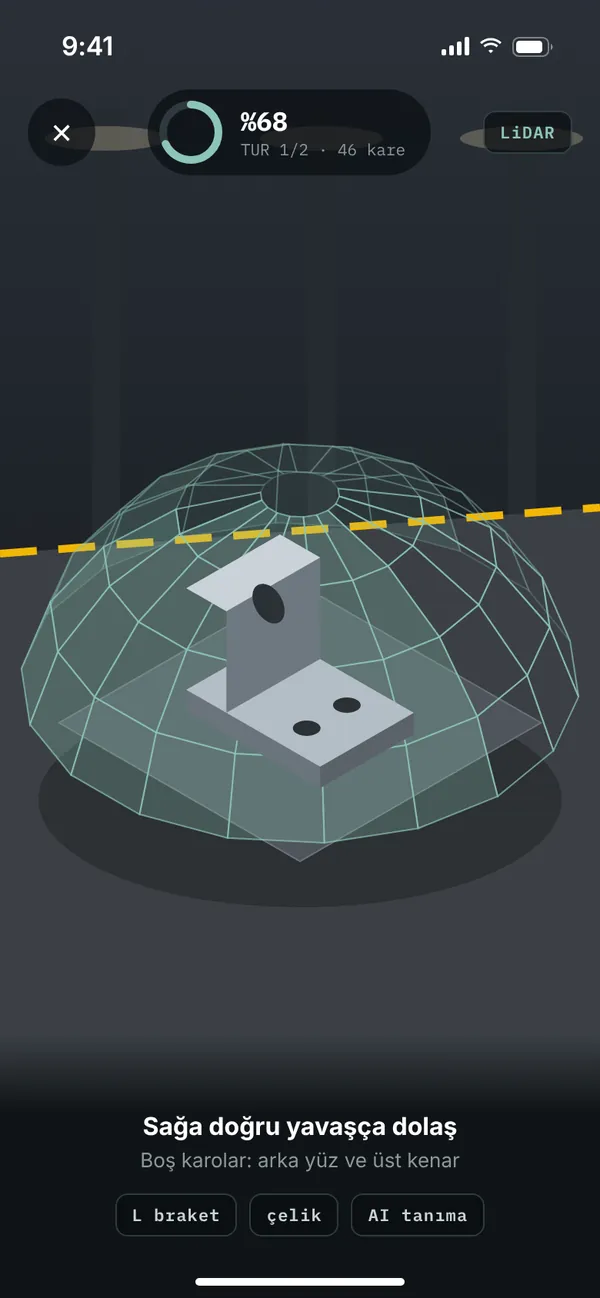
- Full 3D scan: just walk around it
- A technical drawing, ready for the workshop
- One scan, every format you need
Target launch: 15 January 2027
Go to page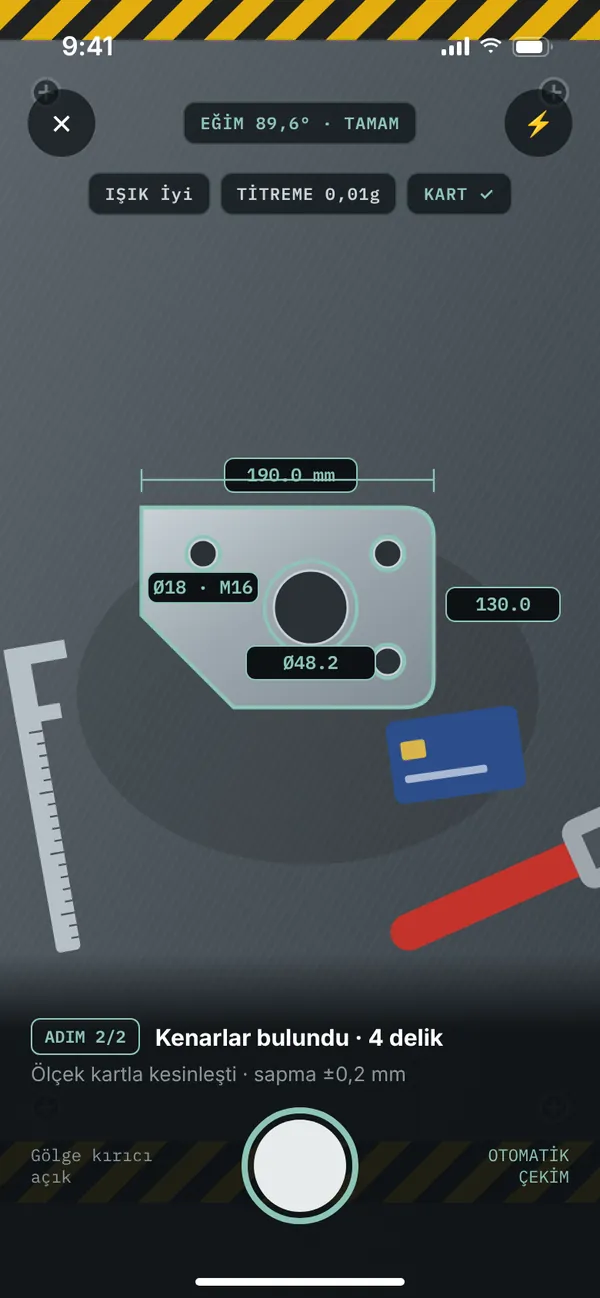
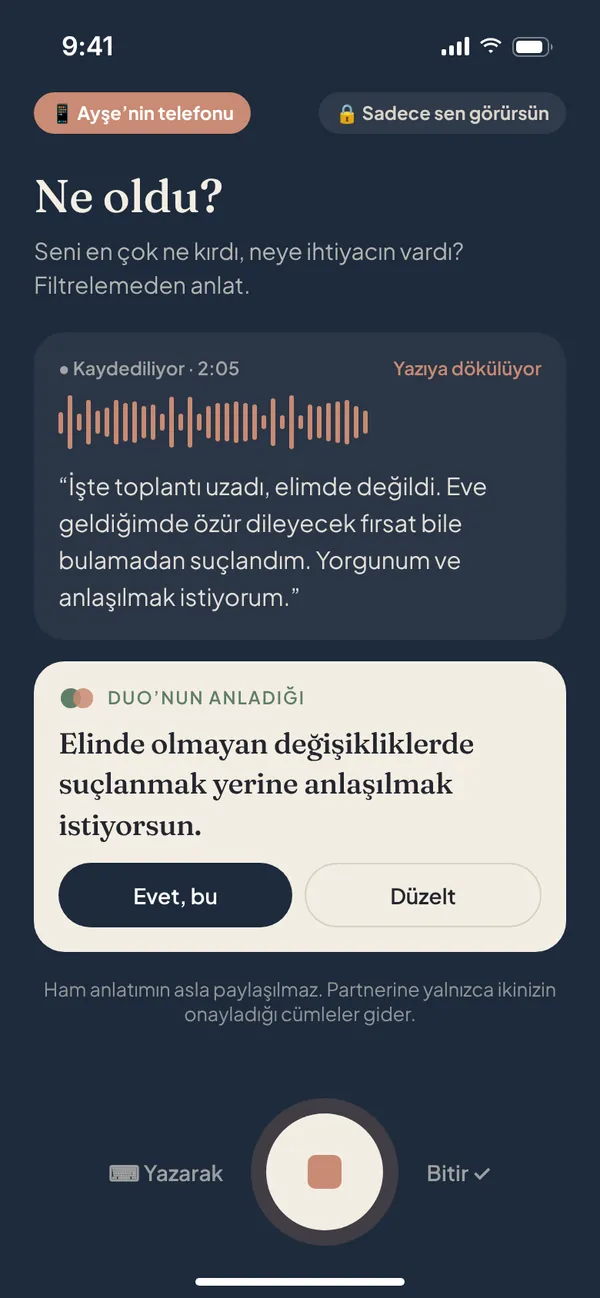
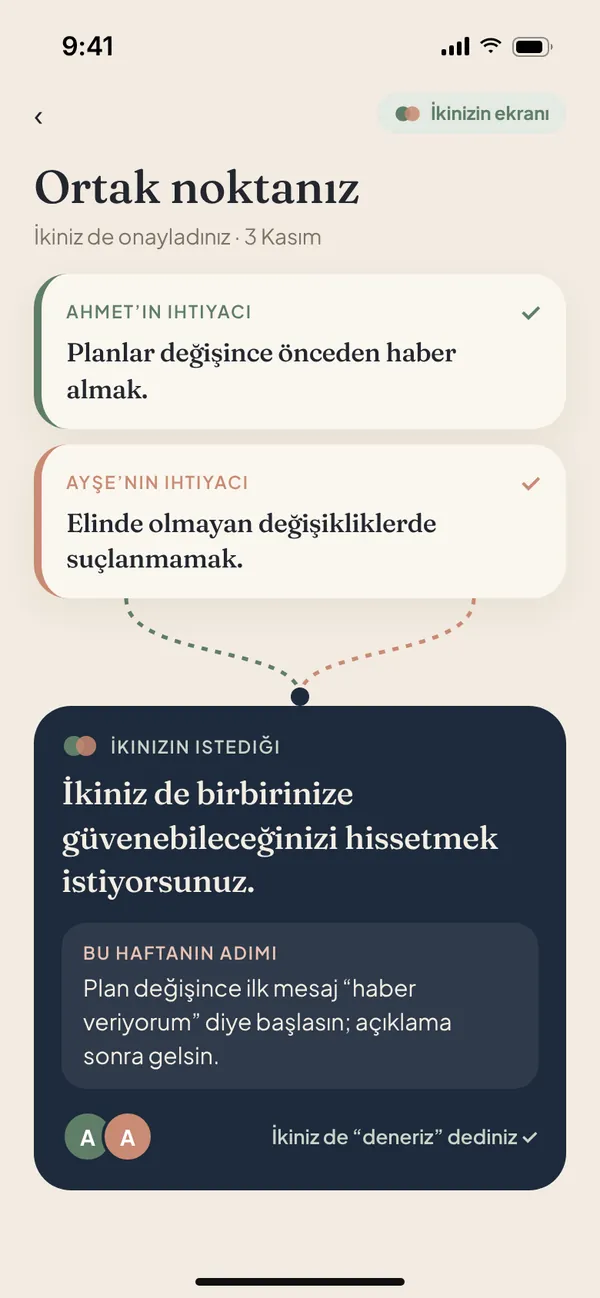
 Duo
After the argument, hear each other.
- First, each of you talks on your own phone
- Your partner tells their side too
- You meet at the common ground
- Soften a message before you send it
Target launch: 25 January 2027
Go to page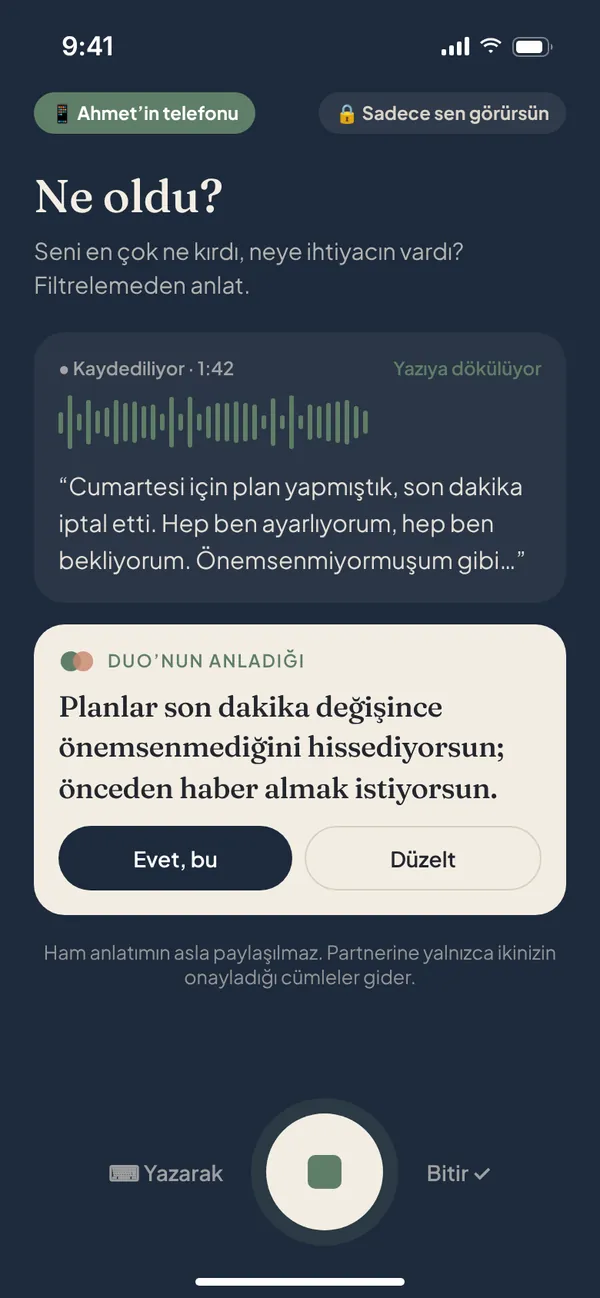
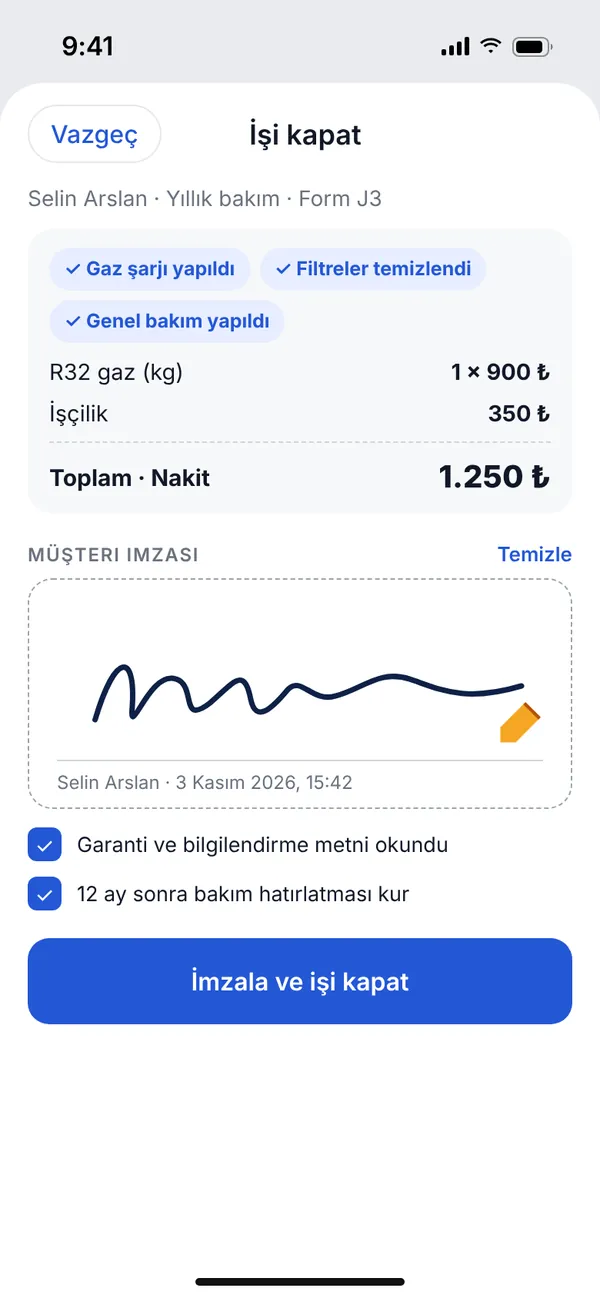
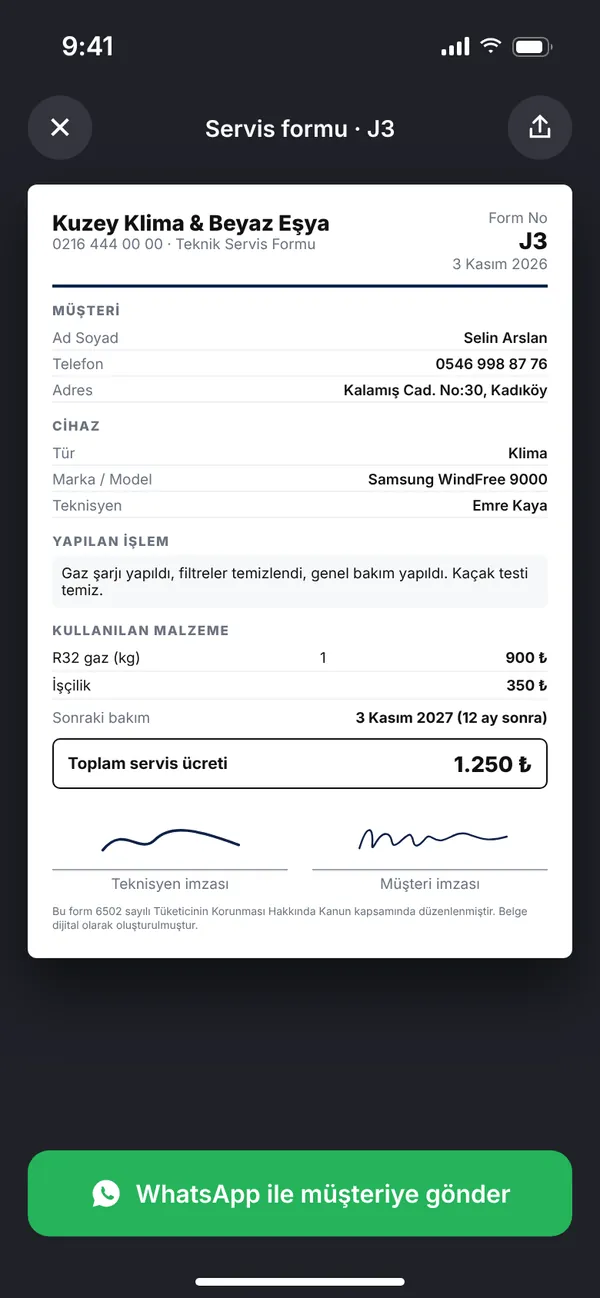
 UstApp
Your service on one screen: jobs, crew, stock, receipts.
- Next stop, one tap to navigation
- Customer signs on screen
- Service form, ready as a PDF
- Ready-made maintenance reminders
Target launch: 1 February 2027
Go to page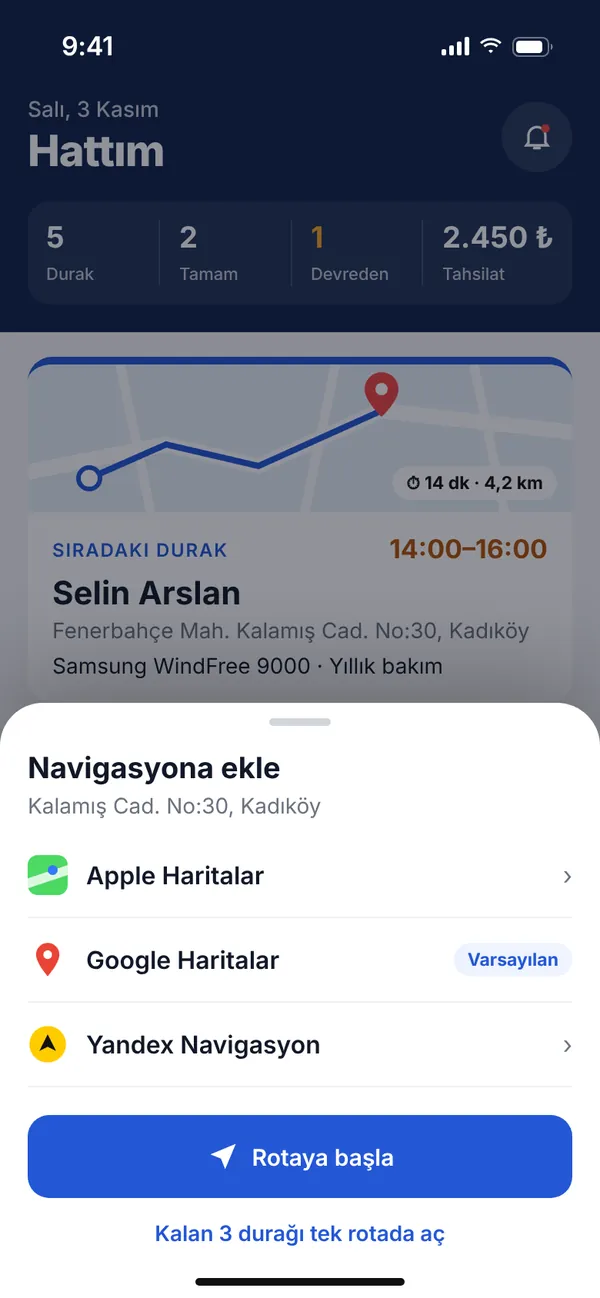
 Mooty
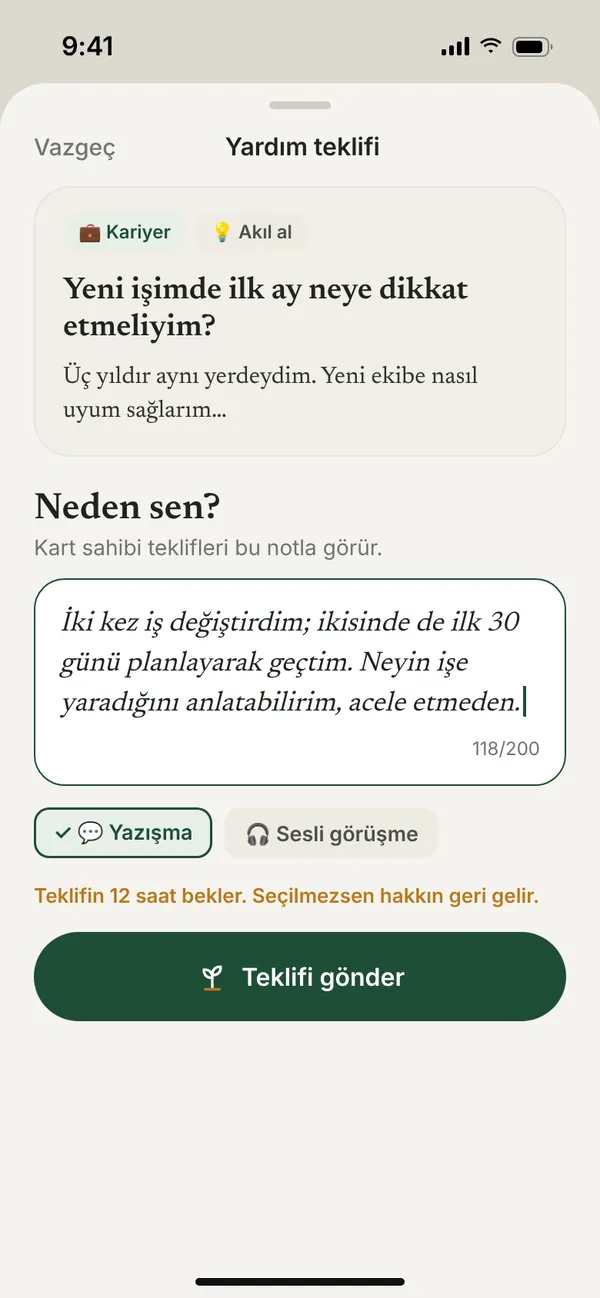
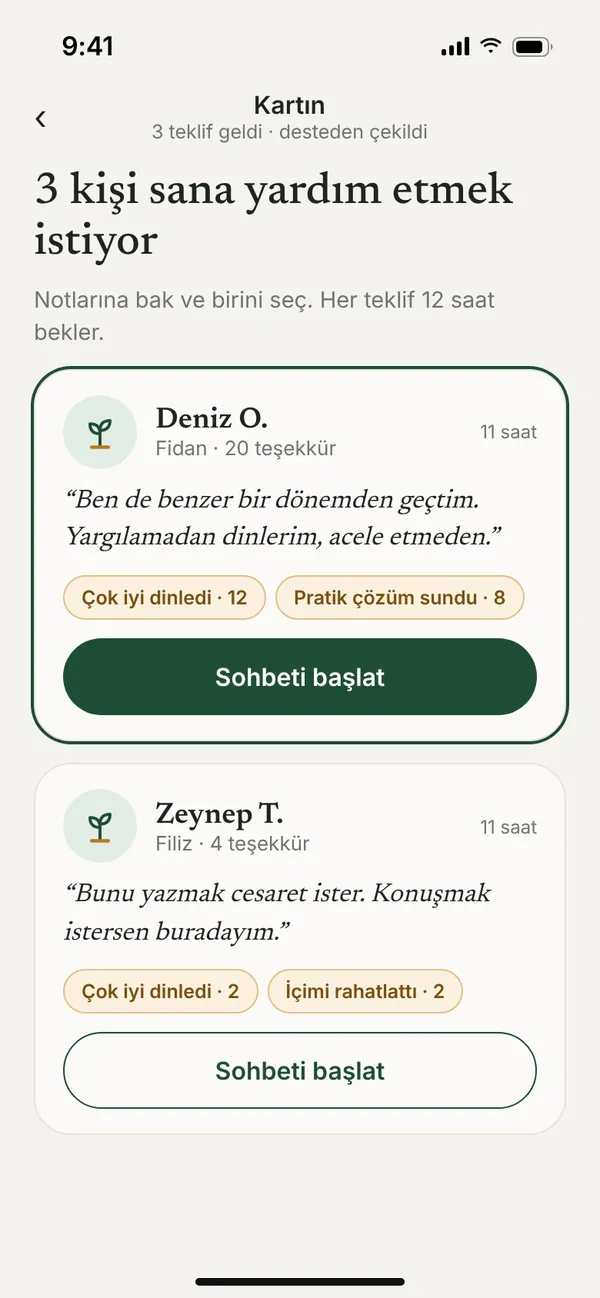
Don't keep it in. Ask someone.
- Help someone from the deck
- Why you? Offer help with a short note
- Choose who will help you
- A safe chat, ending with thanks
Target launch: 1 April 2027
Go to page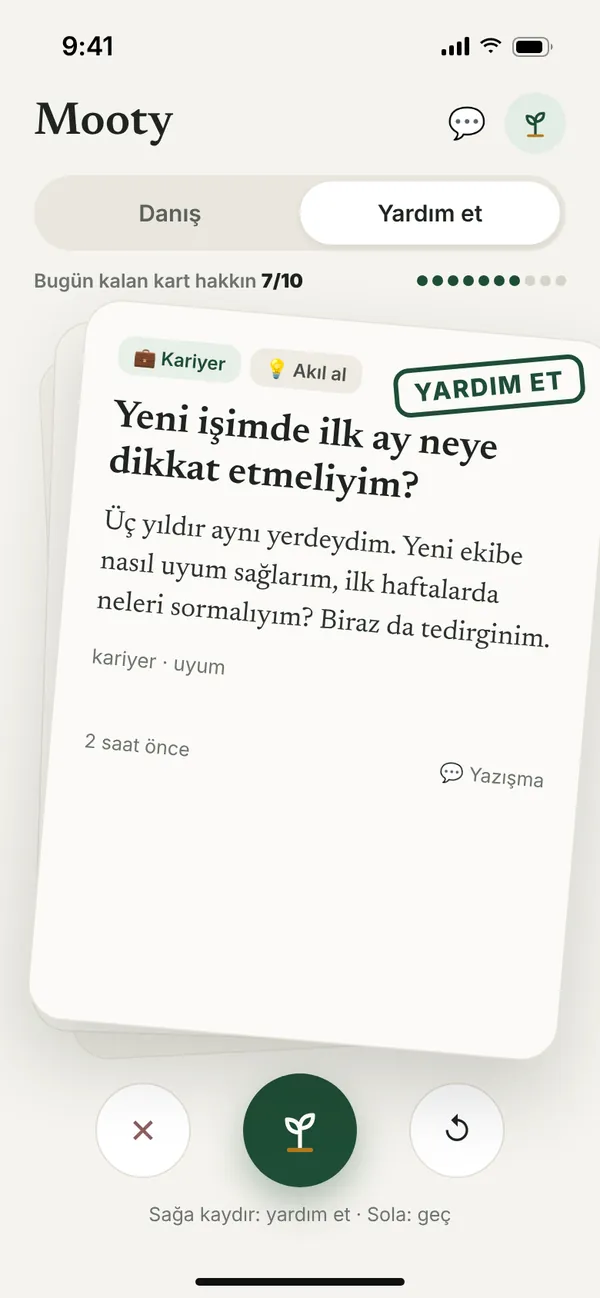
 tilavetNext app