scancad Scan the part. Get its size and its file.
ScanCAD is a working name; it will change when the store name is final.
Scan a broken part or a gasket with your phone. ScanCAD measures it, finds holes and bosses, and prepares the file for your 3D printer or your shop.
Target launch: 15 January 2027. In real-part accuracy testing.
- Width62.4 mm
- Height38.0 mm
- Hole Ø12.2 mm
scanCAD in 30 seconds.
Silent trailer · the real screens
what scancad does.
3d scanning, no board
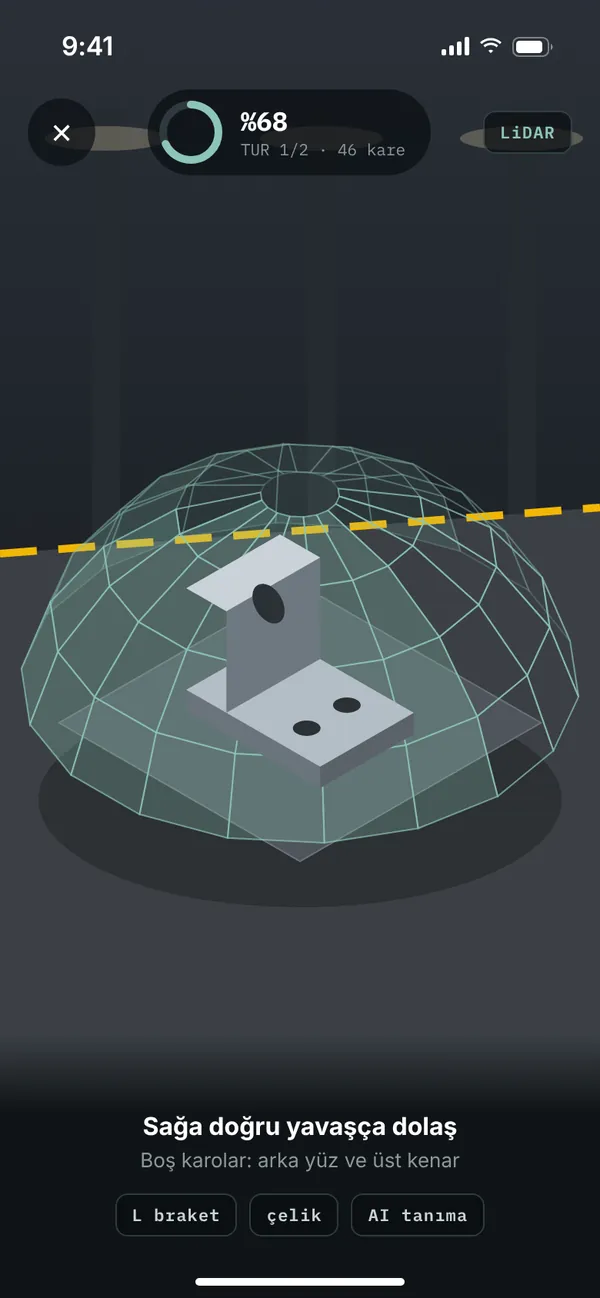
Walk around the part; the phone picks the right frames itself.
size first, file after
One dimension is open at once; check it with a ruler, then decide.
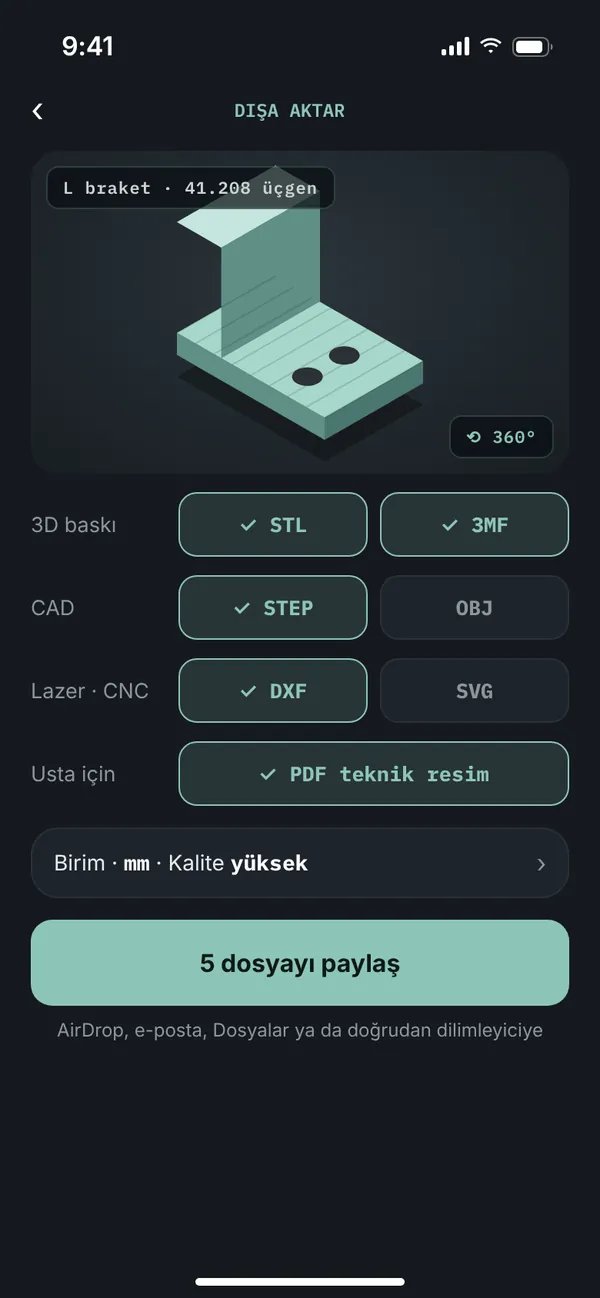
stl, step, dxf, pdf
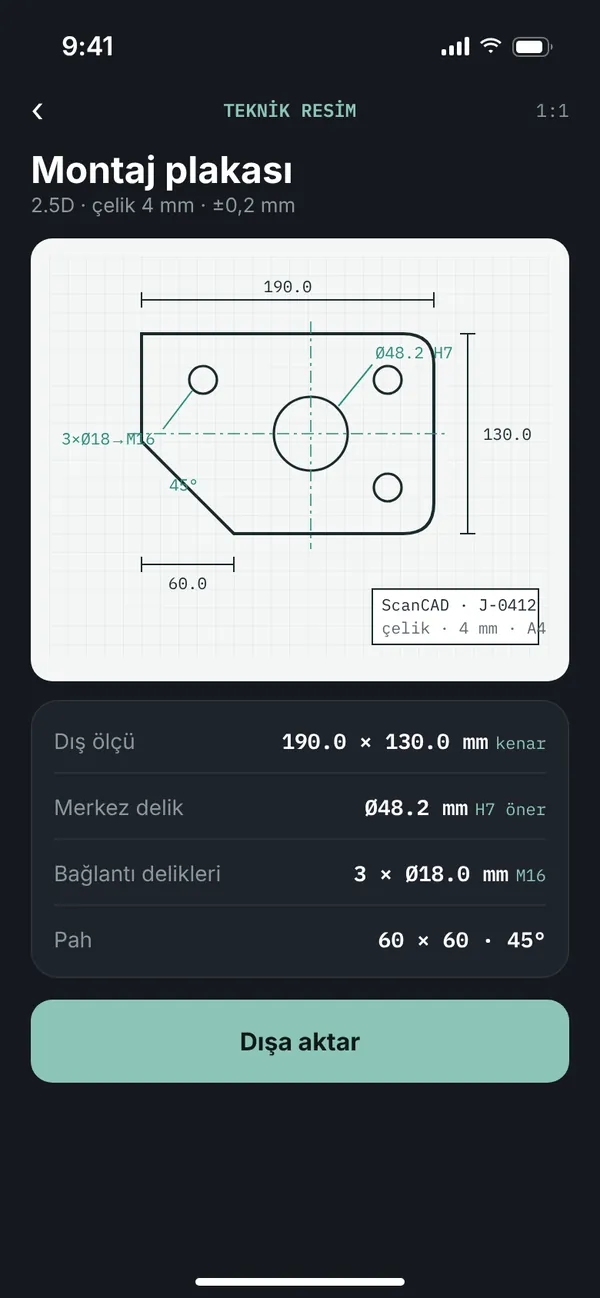
Files for the printer, your CAD tool or the workshop.
the details.
- 2.5D quick template
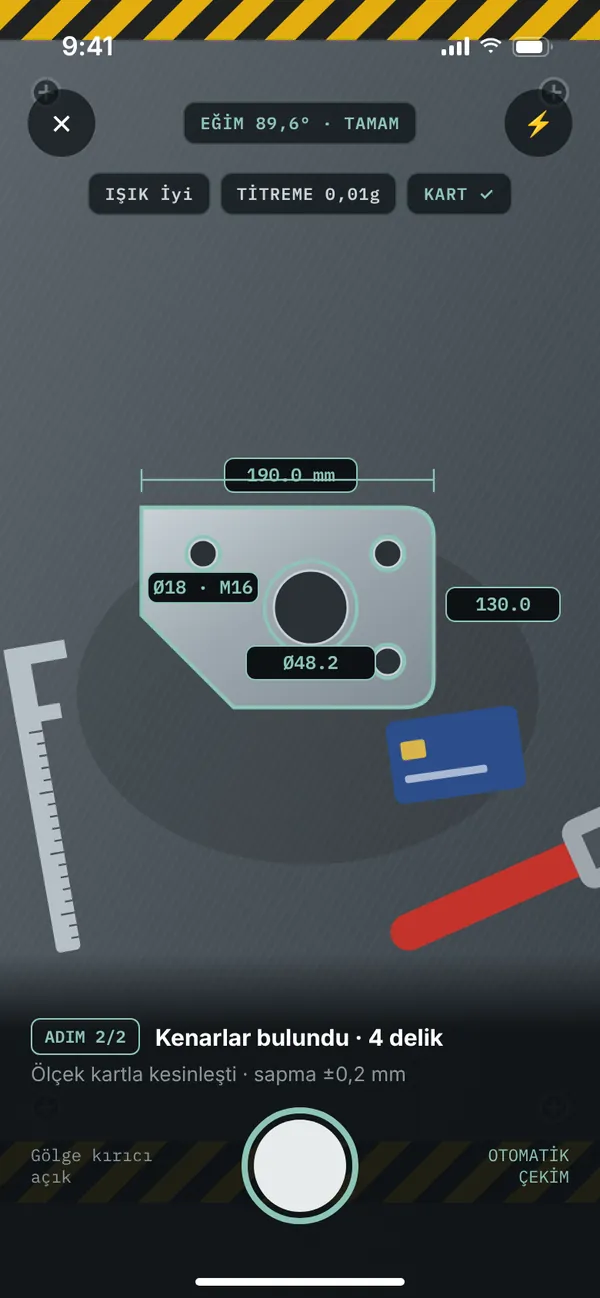
- For flat parts: one top-down shot with a card; dimensions in about 45 seconds.
- Full 3D scan
- Walk around complex parts; the phone picks the right frames on a dome. About 2 minutes.
- Capture assistant
- On-screen level and card lock; once aligned, an automatic 3-2-1 shutter with a tap.
- Hole to thread
- Measured holes get a matching metric thread, tap or inch size (e.g. Ø6.0 → M6).
- Completes the break
- On symmetric parts it completes the missing half, marked as “estimated”.
- Workshop order card
- A three-view drawing and a 1:1 template in one PDF, ready for the machinist.
- Ready to print
- STL and STEP with an optional FDM allowance (+0.2 mm); DXF for laser and CNC.
what's inside.
- Best on flat and plate-like parts
- Scale correction with a card; the scale source is shown
- Detects through holes, blind holes and bosses
- 3D dimensions are shown as “approximate”
- No account; raw files are deleted within 7 days
- “It didn't fit” gets you a free rescan
what it is not
ScanCAD does not replace measuring tools; check critical dimensions with calipers.
AI and your data
To name the part and give shooting tips, an image may be sent to Google Gemini; you are asked first and it is not stored. Dimensions never come from AI.
from the inside.
The app’s screens, in order. Hover to pause; what each screen does appears underneath.
plain and readable.
Privacy policy, terms of use and data deletion; these are the addresses in the store listings too.
the rest of the workshop.
 Proof1 December 2026
 Lumen8 December 2026
 Tilavet15 December 2026
 Pawmira22 December 2026
 Duo25 January 2027
 UstApp1 February 2027
 Mooty1 April 2027
Tap an app to open its screens here.
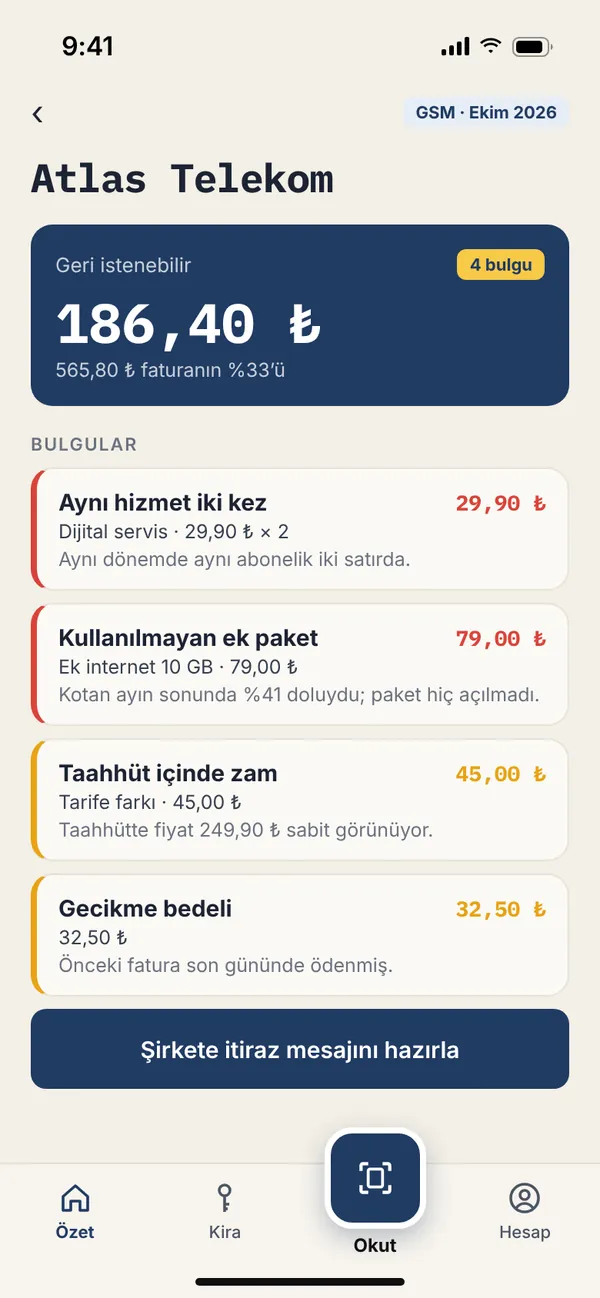
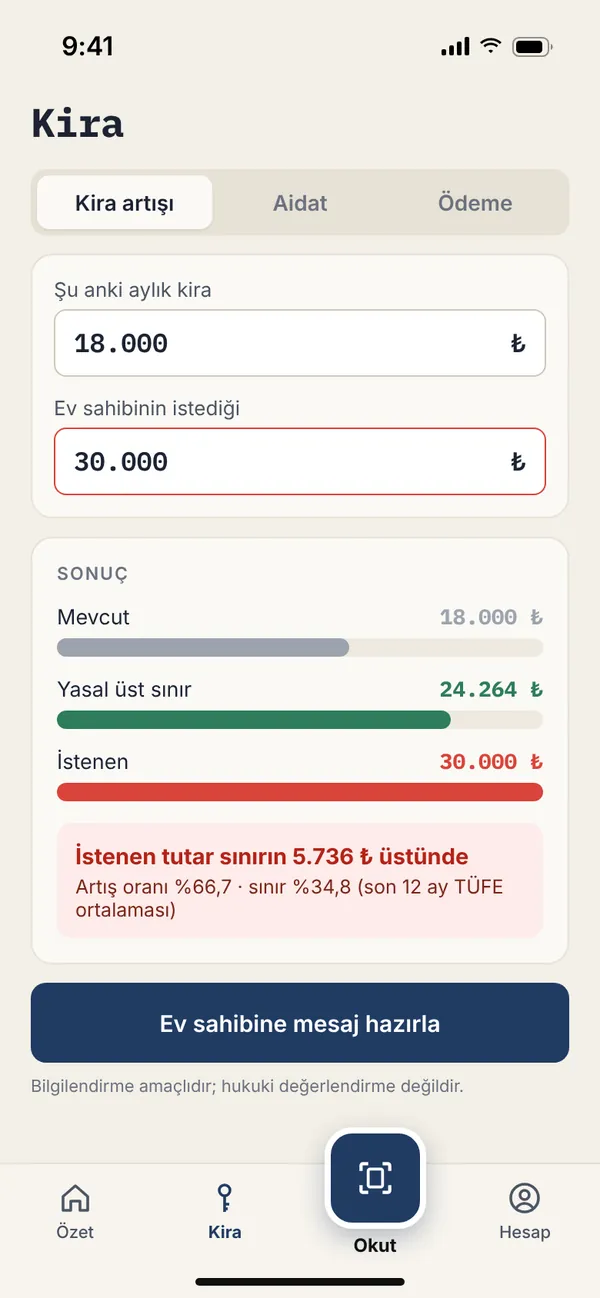
ProofUnderstand your bill. Claim back the extra.
- Scan a bill, understand it in seconds
- Shows the overcharge, helps you claim it
- Is the rent increase above the cap?
- Hidden clauses come to light
Target launch: 1 December 2026
Go to page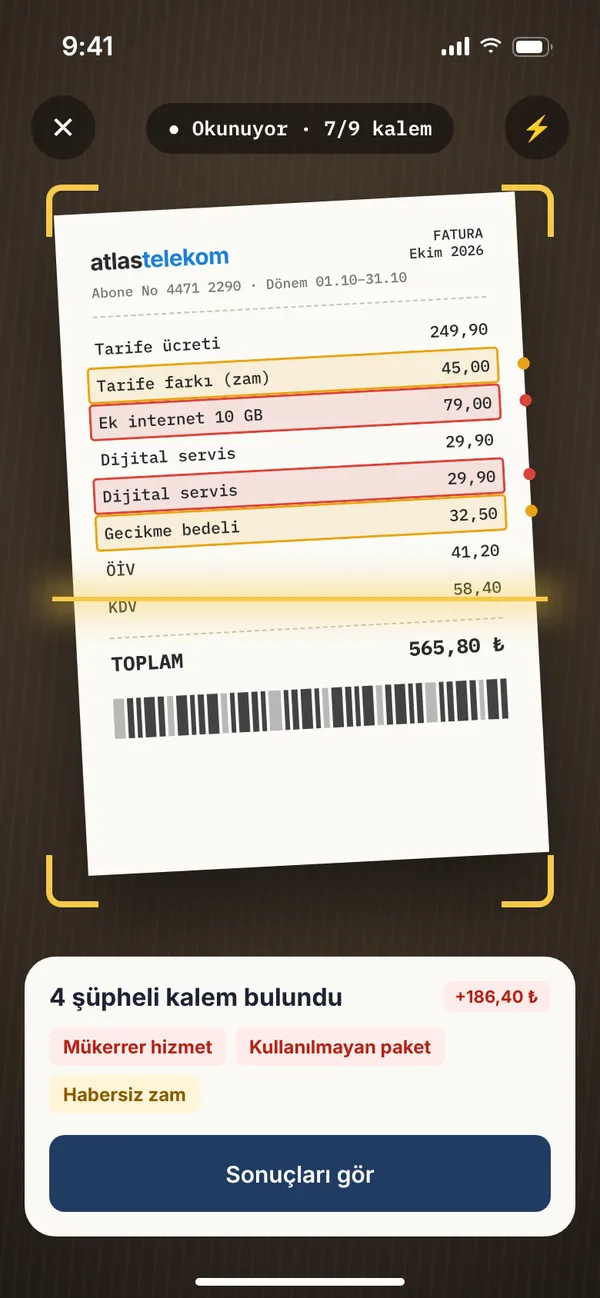
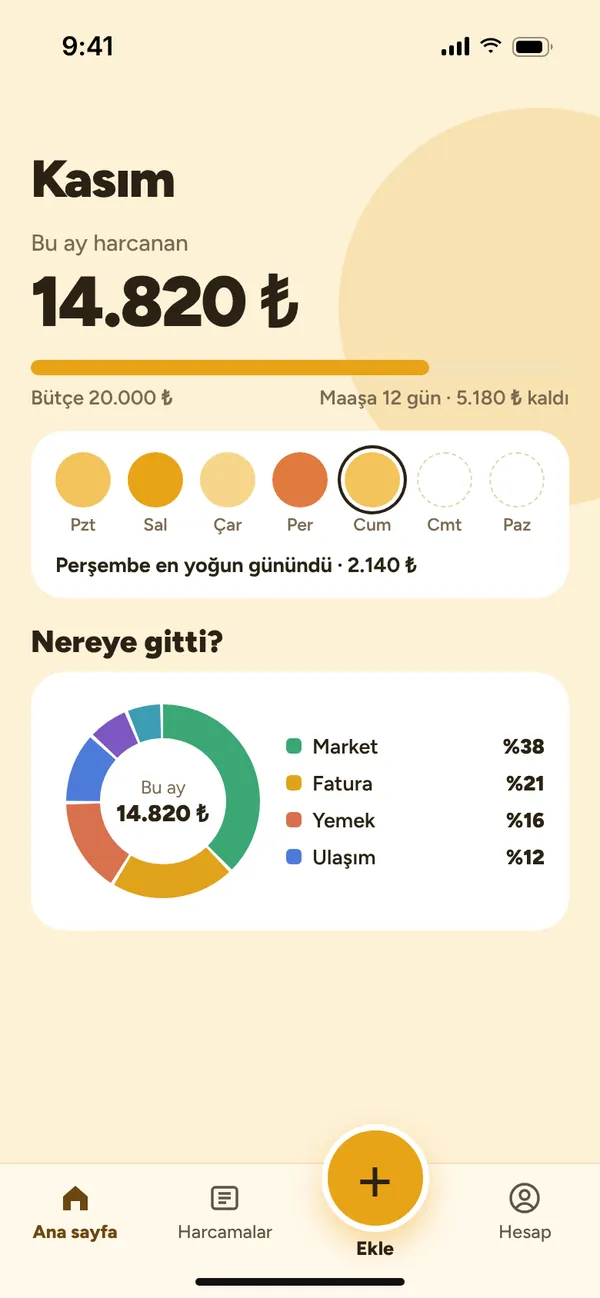
 Lumen
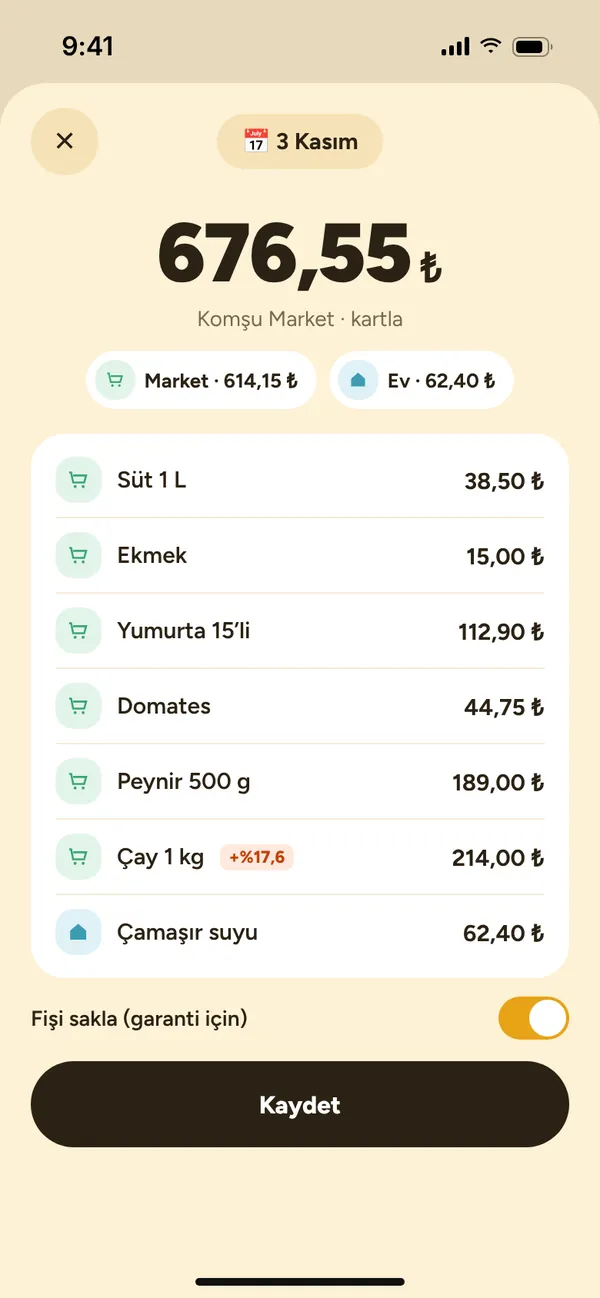
See where your money goes, calmly.
- Snap the receipt, items sort themselves
- Add it as an expense in one tap
- Where your money goes, at a glance
- Spot increases the moment they happen
Target launch: 8 December 2026
Go to page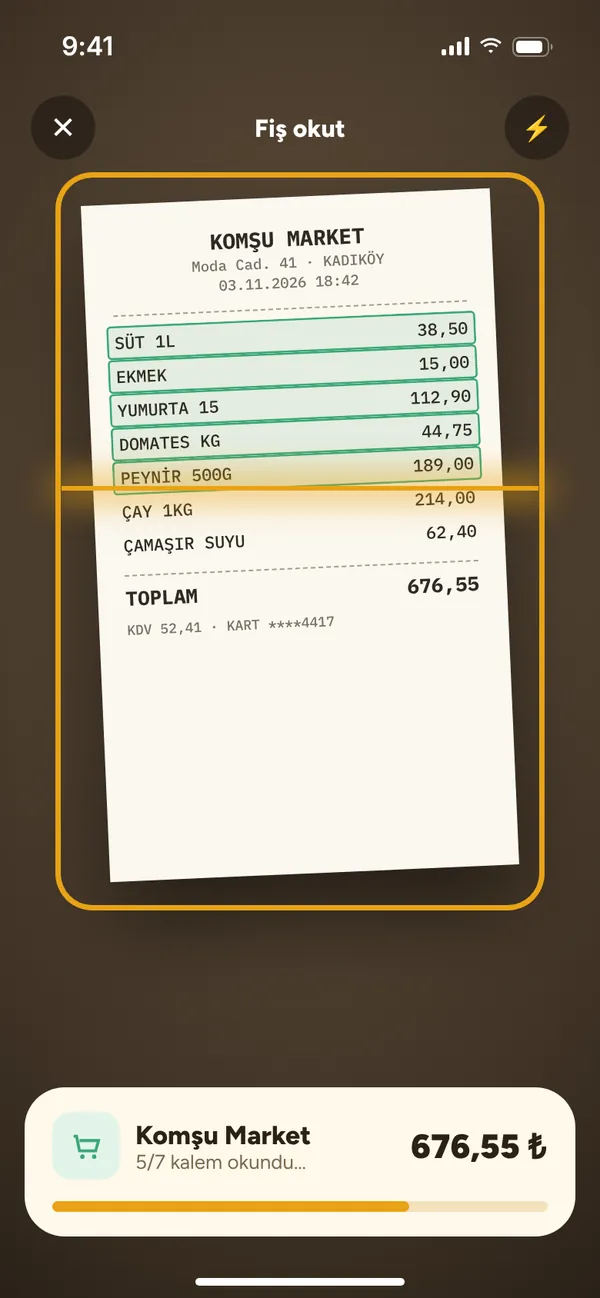
 Tilavet
Ad-free, simple and yours.
- Prayer times for where you are
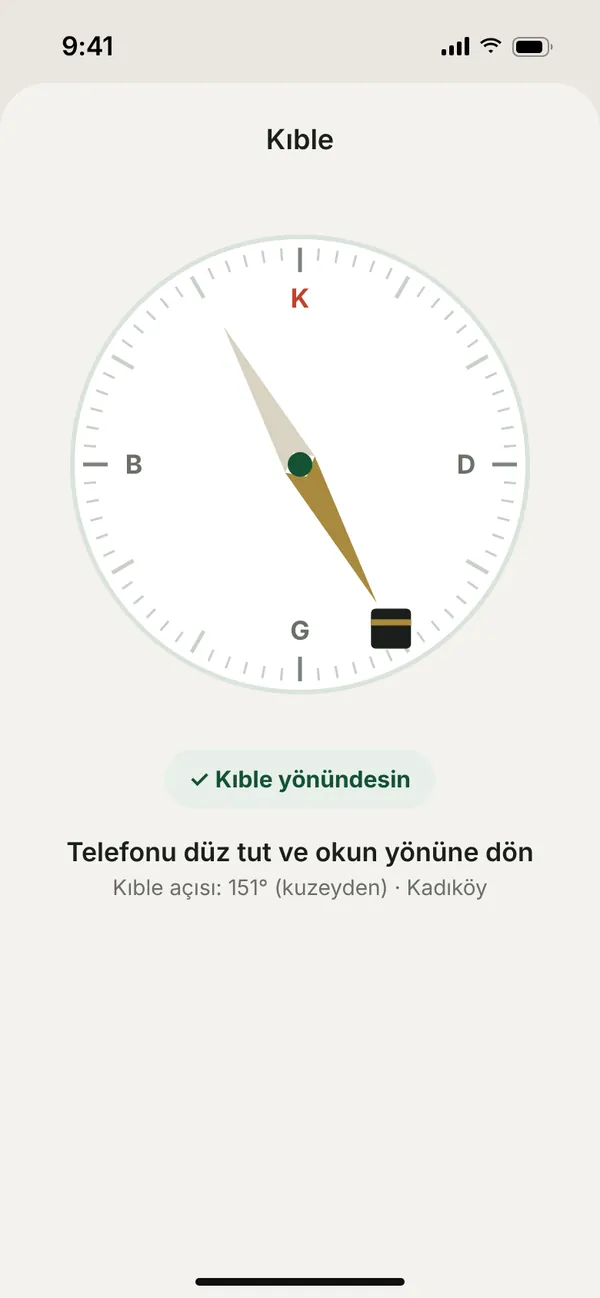
- Qibla compass
- Suhoor and iftar in Ramadan
- Verse of the day, in your language
Target launch: 15 December 2026
Go to page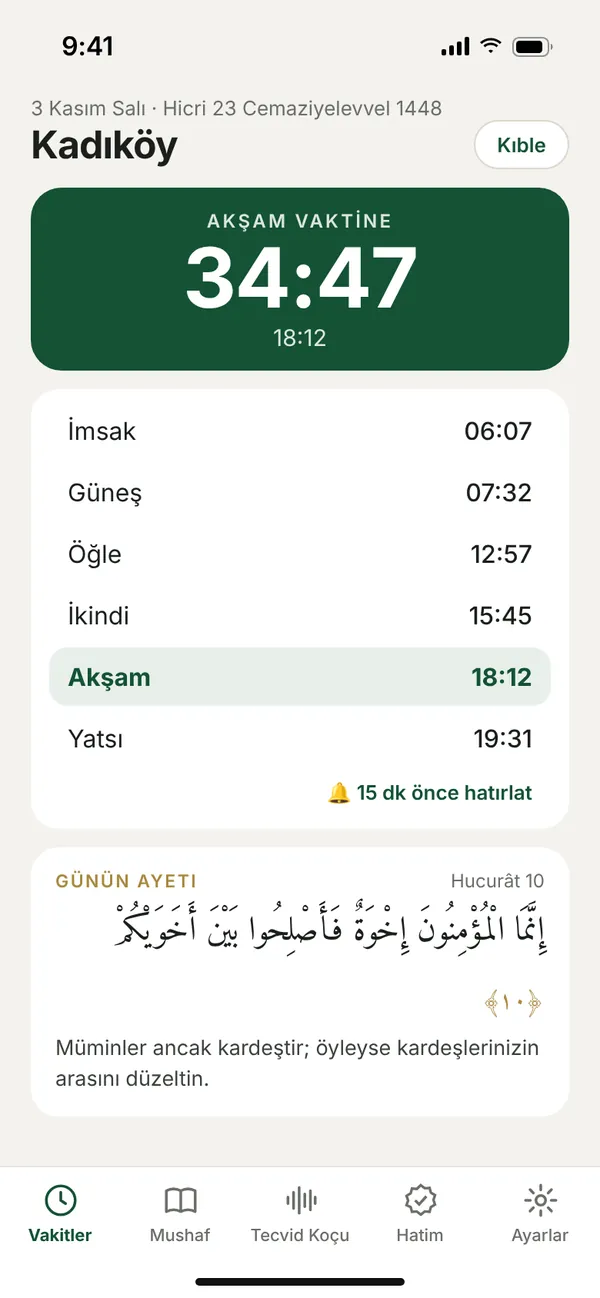
 Pawmira
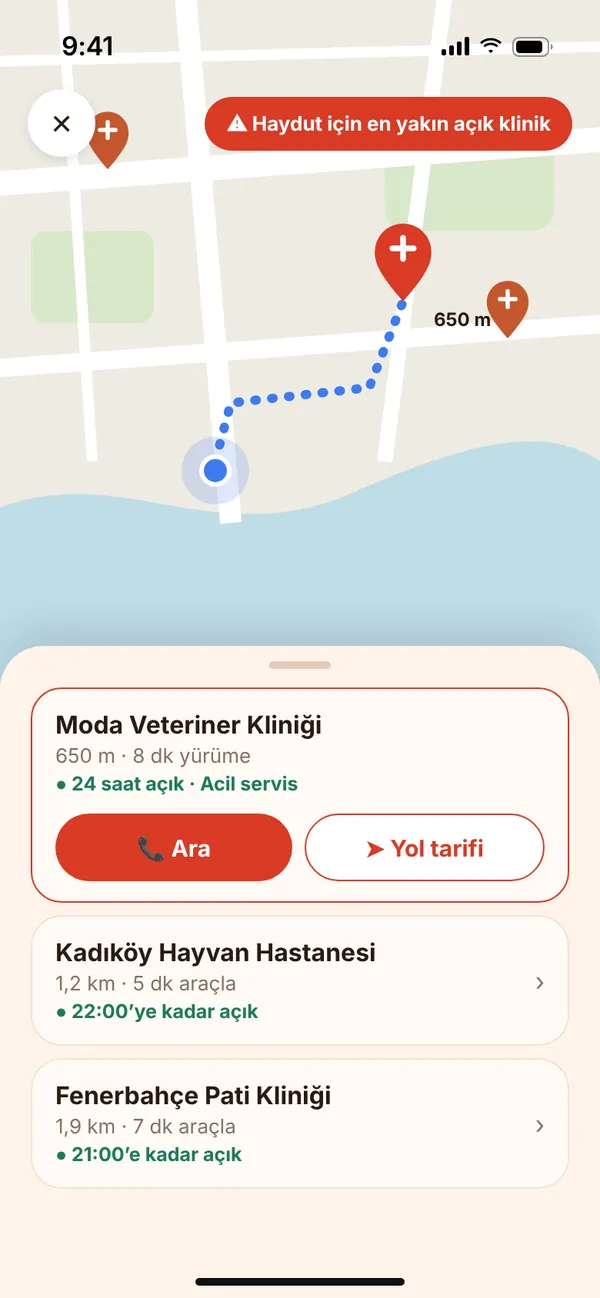
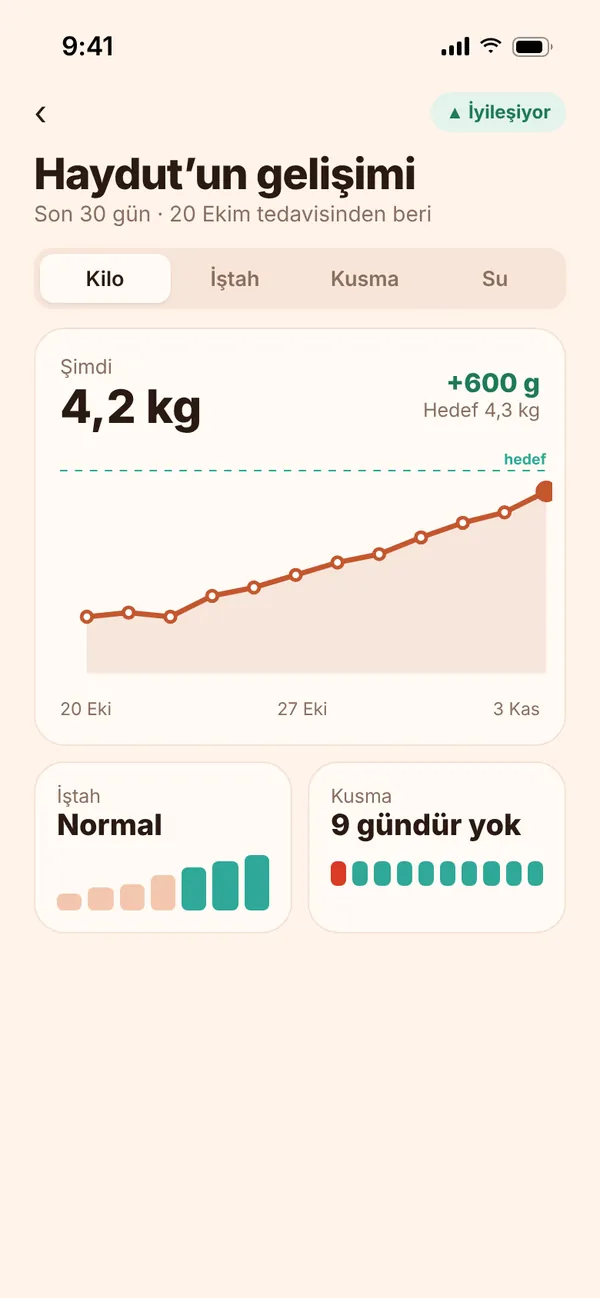
Follow your pet's health, day by day.
- Your pet’s daily log
- Nearest open clinic, from your location
- Progress tracking: weight and appetite
- See healing in photos
Target launch: 22 December 2026
Go to page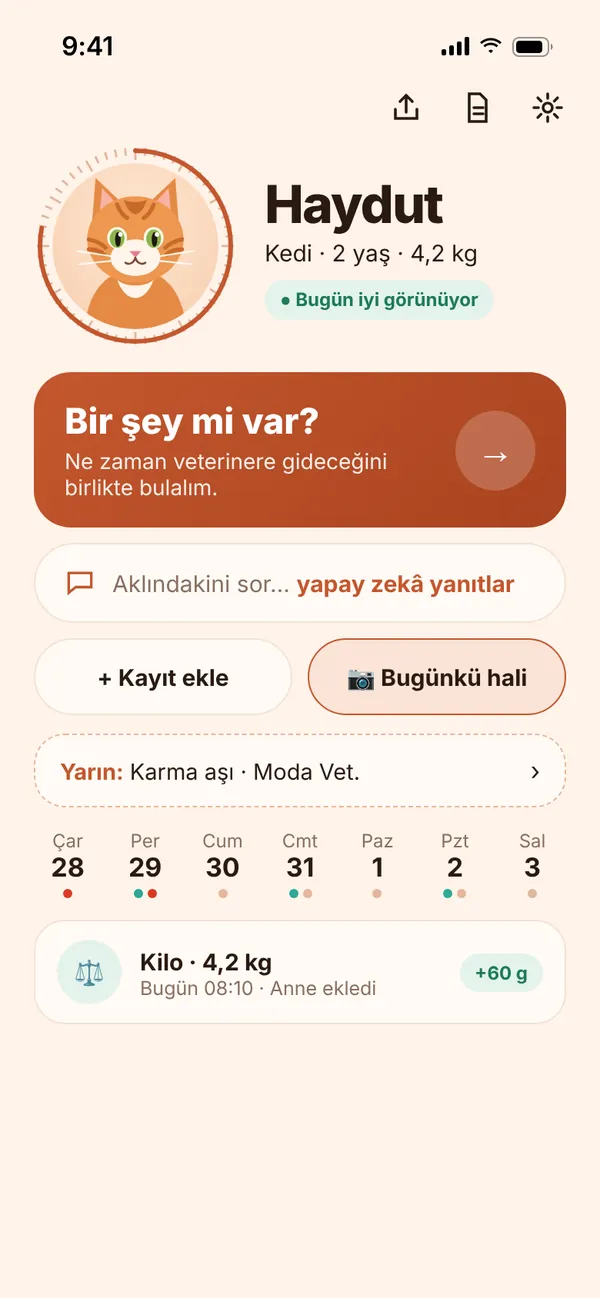
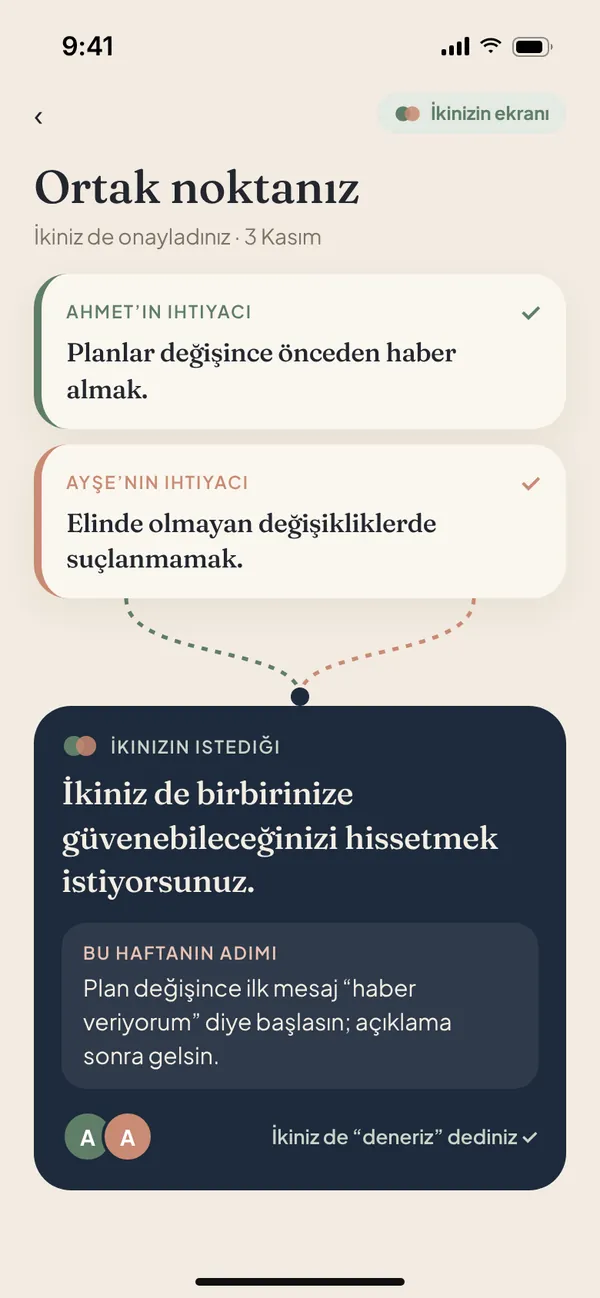
 Duo
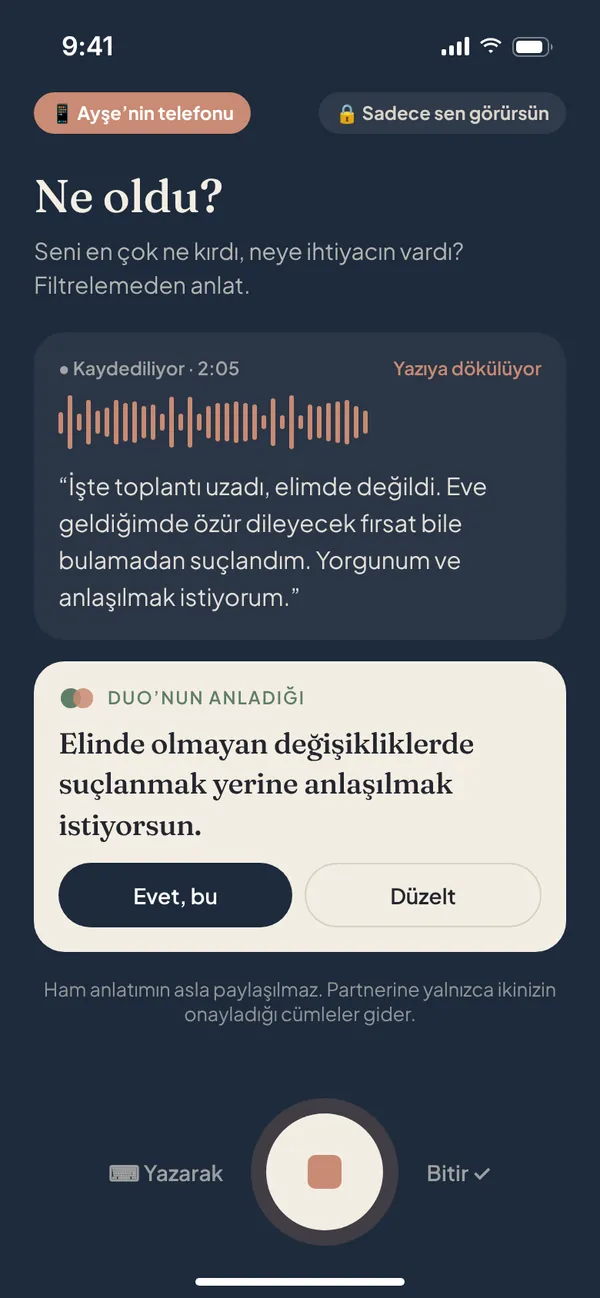
After the argument, hear each other.
- First, each of you talks on your own phone
- Your partner tells their side too
- You meet at the common ground
- Soften a message before you send it
Target launch: 25 January 2027
Go to page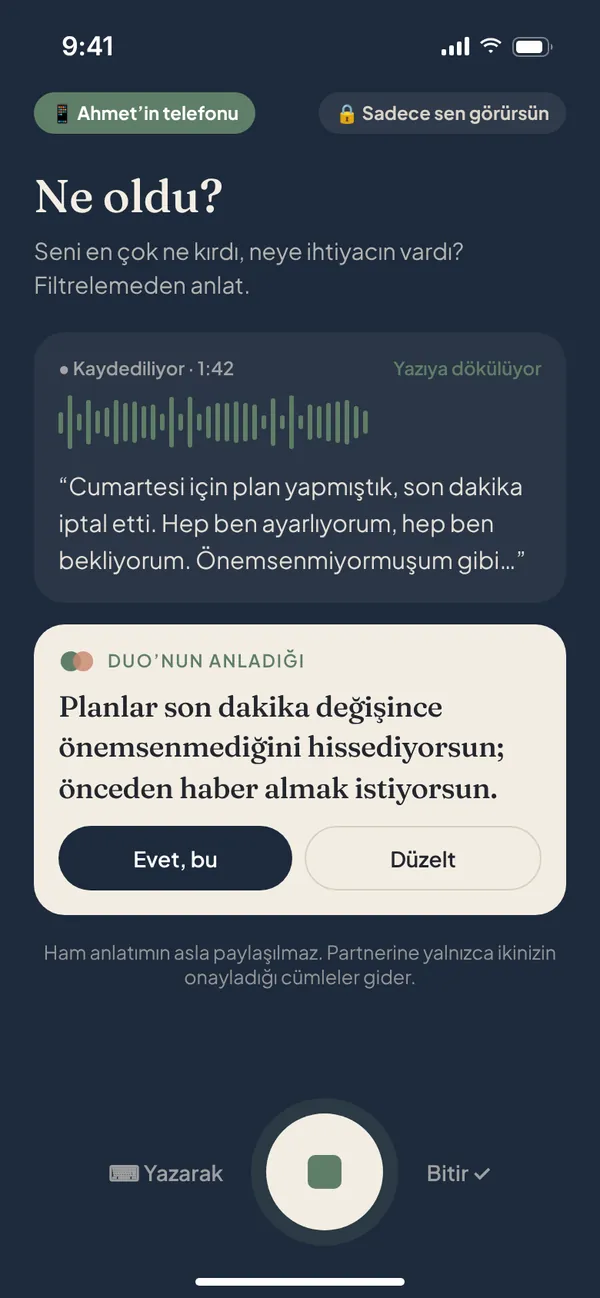
 UstApp
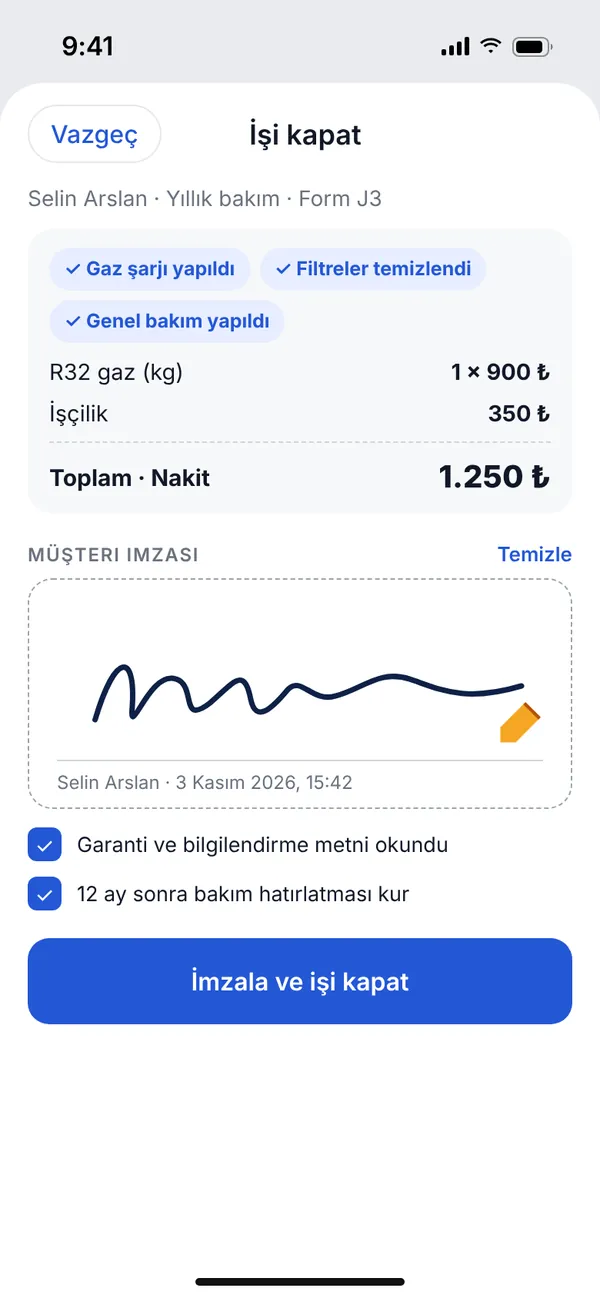
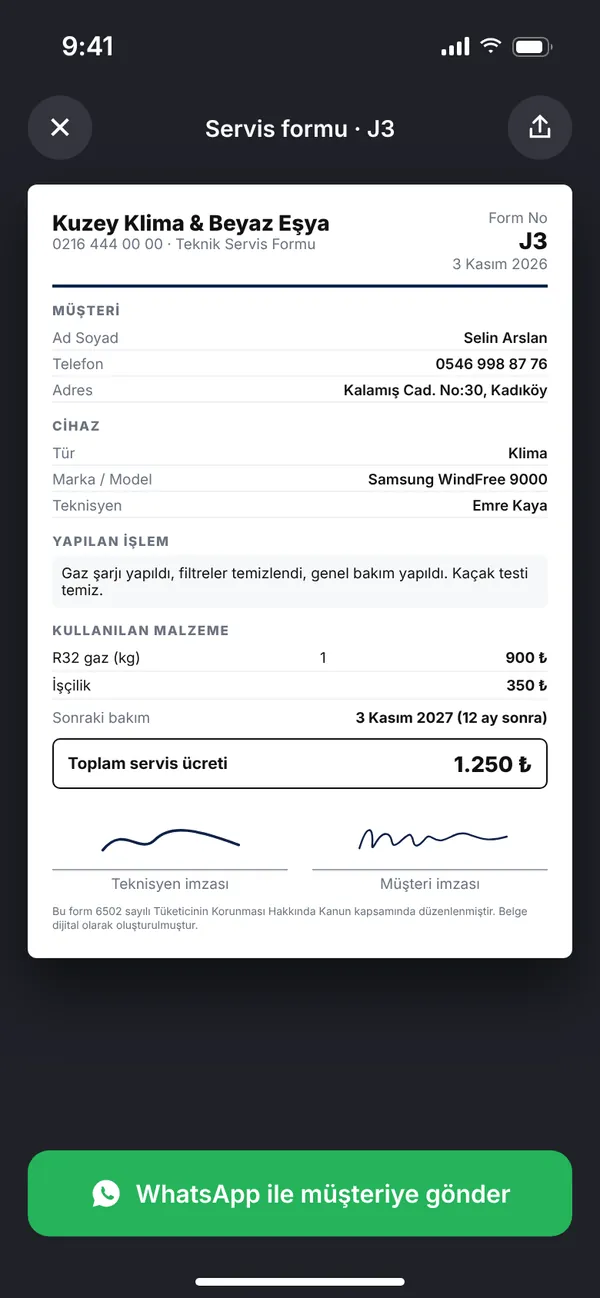
Your service on one screen: jobs, crew, stock, receipts.
- Next stop, one tap to navigation
- Customer signs on screen
- Service form, ready as a PDF
- Ready-made maintenance reminders
Target launch: 1 February 2027
Go to page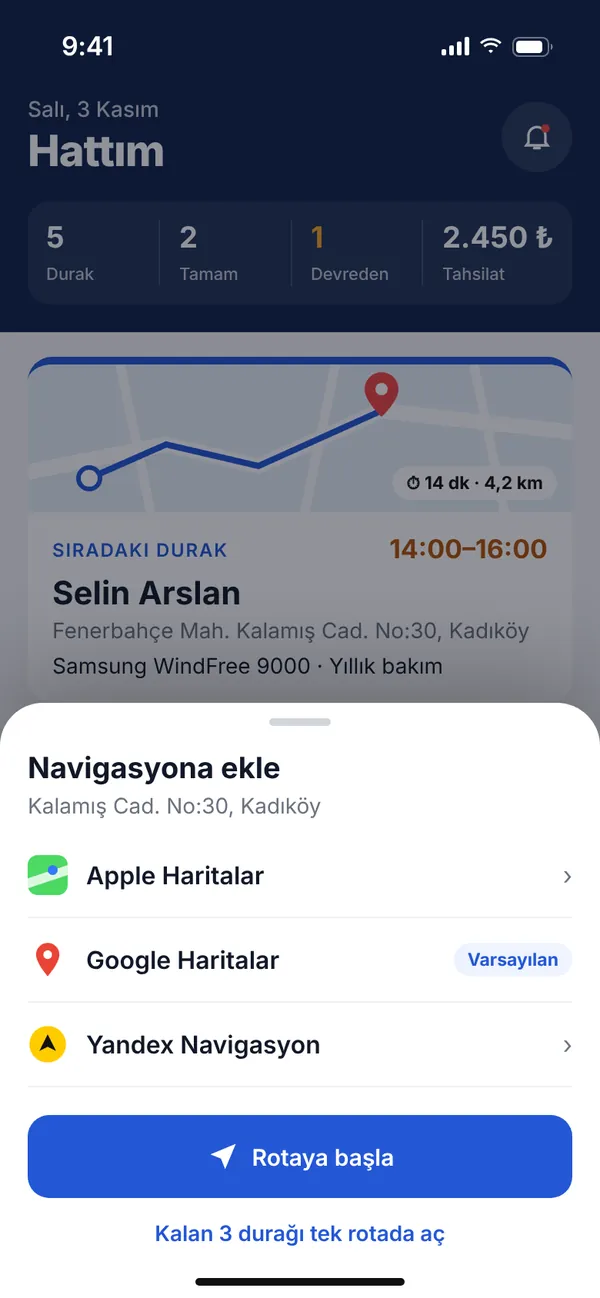
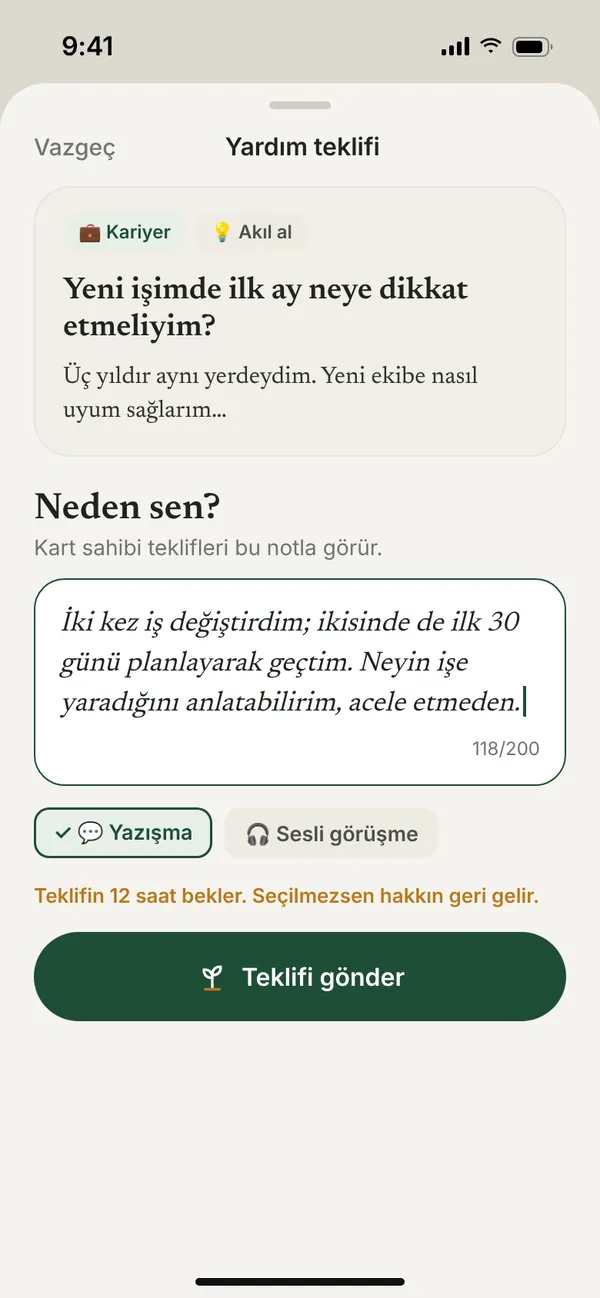
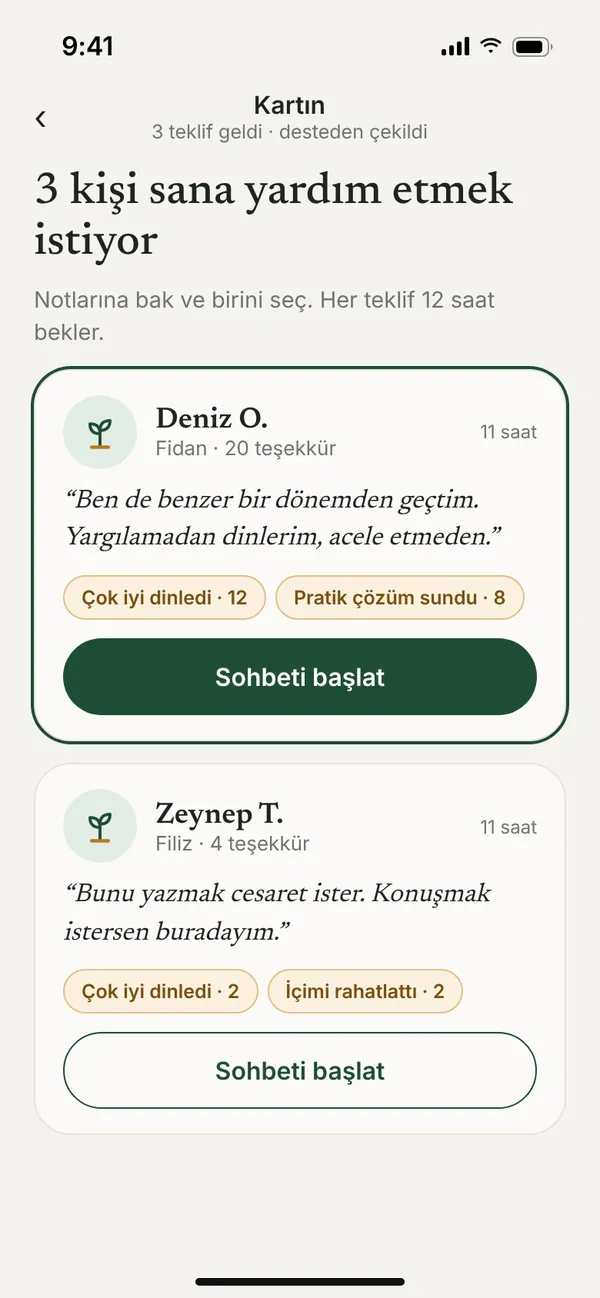
 Mooty
Don't keep it in. Ask someone.
- Help someone from the deck
- Why you? Offer help with a short note
- Choose who will help you
- A safe chat, ending with thanks
Target launch: 1 April 2027
Go to page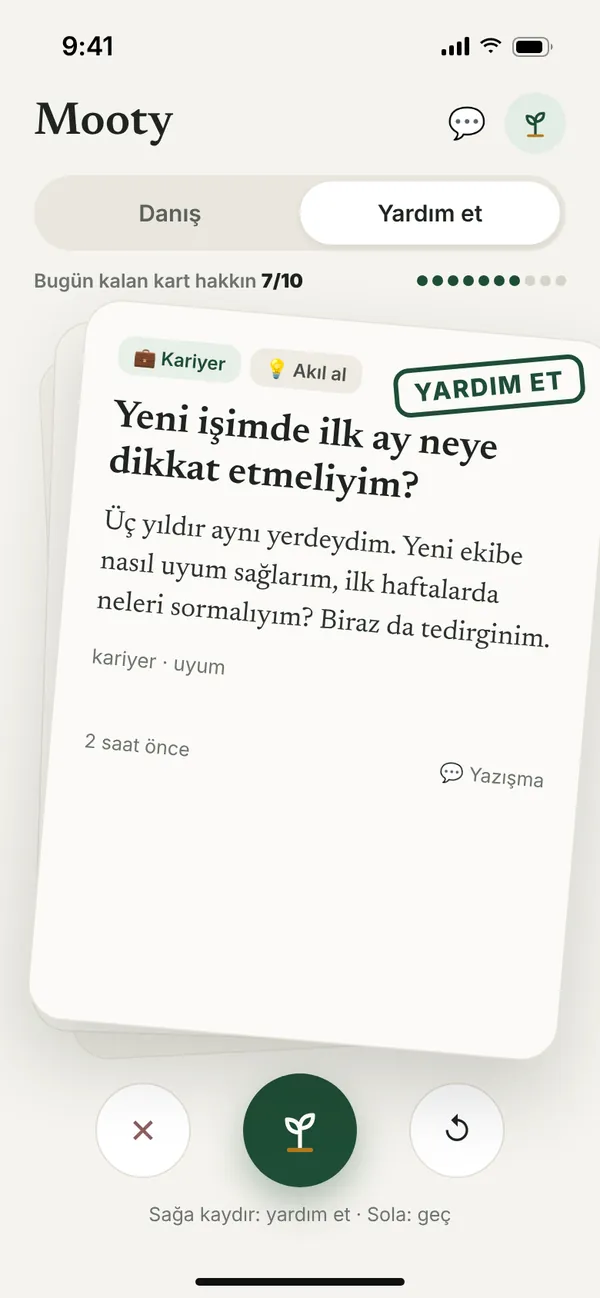
 duoNext app